
Support Bots
A Telegram feedback bot gives customers one place to send suggestions, report a problem, or tell you what worked.

Damian Ledesma
October 4, 2026
•
5 minutes

Use a chatbot when a customer needs an answer your team has already approved and kept up to date.

Use a chatbot when a customer needs an answer your team has already approved and kept up to date. Use a person when the answer depends on that customer, needs a decision, or involves a sensitive situation. On Telegram, one support bot can handle both in the same conversation.
A Telegram bot is not automatically an AI chatbot. It is the contact point that customers message. It can send a welcome message, deliver a fixed command reply, use Bot AI for common questions, or pass the conversation to a person. The useful decision is which kind of reply each question needs.
These terms are often used as if they mean the same thing. They do not.
/hours can send opening hours and /guide can send a help link.The bot keeps the customer conversation in one place. A fixed reply, Bot AI, or a person is the way that conversation is handled.
Start with the work, not the technology. Ask what the customer needs and whether you would be comfortable sending the same answer without a person checking it.
| When a customer needs... | Best first reply | Why |
|---|---|---|
| The same link, file, opening hours, or policy every time | A custom command | The answer stays exactly as you approved it. |
| A common question written in different words | Bot AI | It can use your Instructions and Knowledge to answer a defined topic. |
| Help with an order, account, payment, refund, or personal situation | A person | The reply may depend on information the bot does not have or a decision only your team can make. |
| A complaint, a confusing problem, or an unusual request | A person | The team can ask follow-up questions and choose a response for that situation. |
| A request to speak to someone | A person | The customer has already said automation is not the right route. |
You can use the first three options in one bot. The customer should not need to work out which system is answering them.
Choose human replies first when your questions are varied, your policies change often, or the team needs to inspect each case. A Telegram support bot is still useful in this setup: it gives customers one clear place to write, keeps the conversation together, and lets the team use quick replies for information that must stay consistent.
Write an honest welcome message. Say what the team can help with and when people should expect a reply. A support bot does not make a small team available at every hour, and it should not imply that it does.
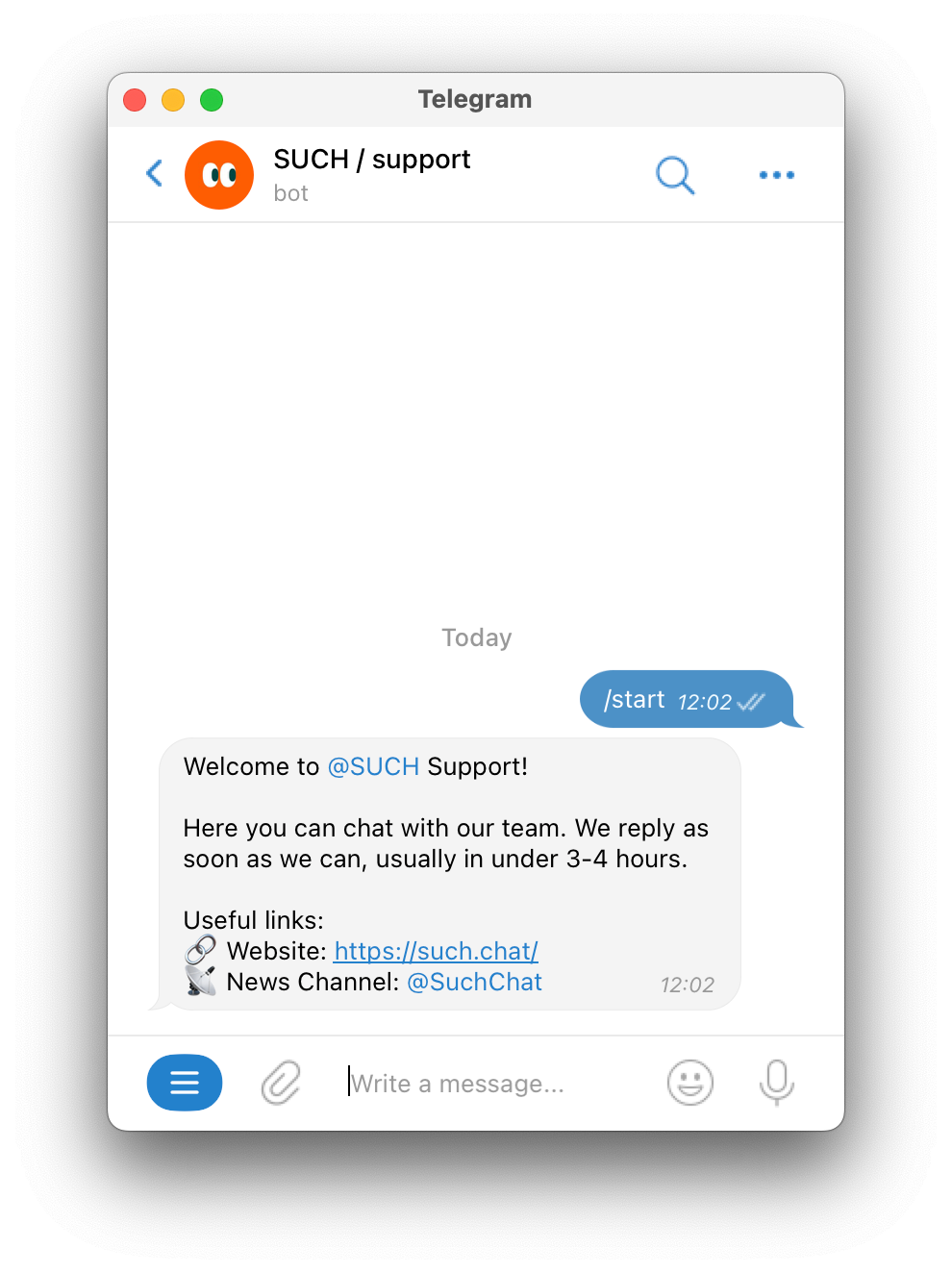
If your team will answer from a private group, connect the bot to SUCH first, then add the people who should reply before sharing the bot link. The Telegram support team guide covers the private group and agent permissions.
Automation earns its place when the team already has a correct answer that it sends often. Begin with a narrow job, such as explaining setup, sharing a course schedule, or directing people to the right help page. Do not begin with every question your business might receive.
Use a custom command when the response must stay the same. A command is a good fit for a price list, a rules page, a document, or a short step-by-step instruction. The command-menu guide shows how to add those fixed answers.
Use Bot AI when customers phrase the same supported question in different ways. In SUCH, Bot AI Instructions define the bot's job and response rules, while Bot Knowledge contains the facts it can use. The SUCH Help Center's AI support bot guide shows where to configure them.
Before you automate a topic, read ten recent questions about it. If the answer changes by customer, needs a private account check, or requires someone to make an exception, leave it with the team.
The strongest combined setup has a simple promise: the bot handles what it knows, and a person is easy to reach when it does not.
In SUCH, Bot AI replies while a chat is Closed. Put a clear line in the welcome message and Bot AI Instructions, such as: Need help from a person? Send /human and our team will reply here. When a customer sends /human, the chat moves to Open and the team is notified. An agent can reply in Telegram or in the SUCH web app. When the team has finished, closing the chat makes Bot AI available for a later question again.
This keeps the customer's history in one place. The person sees the earlier messages, and the customer does not have to find a different support address or repeat the issue. The Telegram AI agent builder shows the full no-code setup for Bot AI, knowledge, and the human route.
Bot AI uses AI credits. If the balance is empty, new customer messages move to Open automatically, where a person should answer. Check Your AI credits in Project Settings before assuming that an AI reply failed.
Automation should help customers reach a reliable answer, not make a difficult issue harder to resolve. Keep these conversations with the team:
Some support issues are not about the reply at all. For example, when a bot cannot receive a group message, check the bot's group permissions and Privacy Mode before adding more agents. The Telegram bot permissions guide explains the separate permission question.
You do not need a large automation project to improve support. Pick one repeated question with a stable answer, keep everything else with the team, and tell customers how to ask for a person.
After a week, review the conversations that needed human help. Some may reveal a new fixed command or a small piece of Bot Knowledge. Others will confirm that a person should always decide the answer. That is a useful result too.
No. A Telegram bot is the account customers message. It can send a welcome message, custom commands, Bot AI replies, human replies, or a combination of them.
Not for every question. Use a chatbot for routine questions with maintained answers. Keep a clear human route for account-specific, sensitive, unusual, or unresolved issues.
Yes. In SUCH, a customer can send /human to move the chat to Open. The team can then reply in the same Telegram conversation or in the SUCH web app.
Use a custom command when the answer should always be identical, such as a link, file, schedule, or policy. Use Bot AI when people ask a supported question in many different ways.
In SUCH, new customer messages move to Open automatically. A person should reply until you add AI credits again.

A Telegram feedback bot gives customers one place to send suggestions, report a problem, or tell you what worked.

Telegram bot messages are clearer with bold text, links, quotes, and code used with purpose.