
Support Bots
Turn customer voice notes into readable support text with SUCH PRO. Verify important details, reply faster, and keep the original audio in view.

Damian Ledesma
November 10, 2026
•
5 minutes

Standard Telegram bots, including SUCH bots, cannot start a private chat. Customers must press Start or send a message before the bot can reply.
For a standard Telegram bot chat, no. A bot account cannot send someone the first private message. The customer must first open the bot and press Start, or send the bot a message. After that, the bot can reply in the same chat.
This is how standalone bot accounts, including SUCH-built support bots, work. A bot can show a Welcome message as its first reply, but the customer started the conversation. A bot can also send a later update to eligible customers, but it cannot use a username or user ID to bypass the Start requirement.
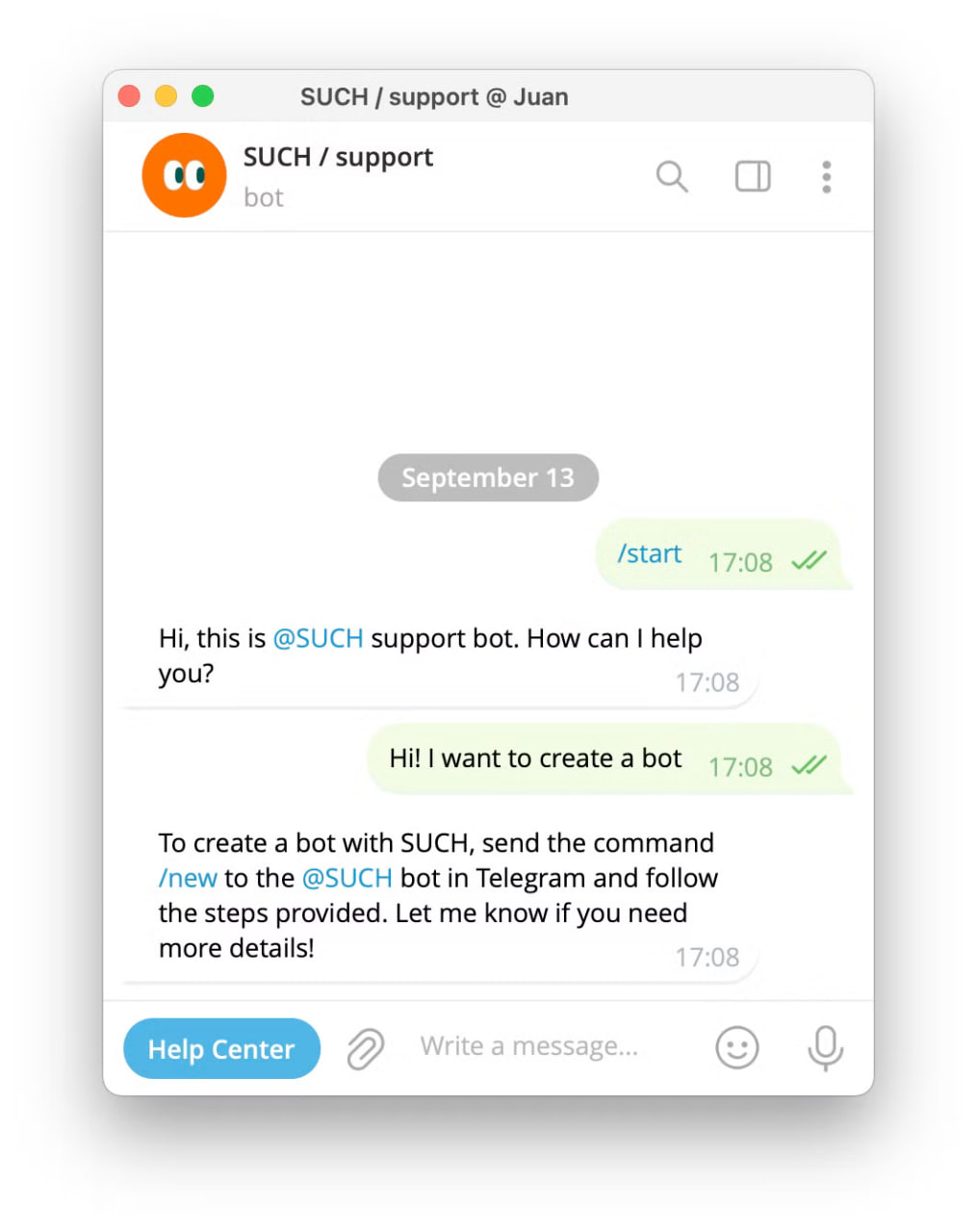
A standard Telegram bot account cannot start a private conversation. For a private chat, the customer must do one of these things first:
Once the customer has done that, the bot can send a reply to that chat. Whether it actually sends an automatic answer, a human answer, or nothing at all depends on how the bot owner has configured it.
| Customer situation | Can the bot send a private message? | What happens next |
|---|---|---|
| The customer has never started the bot | No | Share the bot link and ask the customer to press Start. |
| The customer presses Start | Yes, as a reply to that action | The bot can send a Welcome message or another configured first reply. |
| The customer sends a normal message | Yes | The bot, a support agent, or Bot AI can reply in that chat. |
| The customer started the bot earlier and has not blocked it | Yes, for an eligible later broadcast | The bot owner can send a relevant update to that existing audience. |
| The customer blocked the bot | No | The bot cannot deliver another private message to that customer. |
Telegram Business can connect a Business Bot to a business account. In eligible private chats, that bot can reply on the business account's behalf when the account owner has granted it permission and the customer has sent a recent incoming message. Telegram currently limits that reply permission to private chats with an incoming message in the last 24 hours.
That is a different setup from a customer chatting with a standalone bot account. It does not let a normal bot account, including a SUCH support bot, start a new private chat with a customer.
Before a customer presses Start, Telegram can show the bot's profile information. In @BotFather, the Description appears in Telegram's "What can this bot do?" area, and the shorter About text appears on the bot profile and when it is shared.
Those texts help a customer decide whether to start the bot. They are not a private chat message and do not create a conversation.
After the customer presses Start, a SUCH-built support bot can send a configured Welcome message. That first reply is separate from the BotFather profile text shown before the chat begins.
Yes, but only to customers who have already started that particular bot and have not blocked it. In SUCH PRO, the bot owner can create a broadcast for all eligible bot users or a selected list of eligible customers.
That is not the same as a bot writing first to a new contact. It is a message to an existing bot audience. Choose between a Telegram bot broadcast and a channel post based on the audience and the type of update.
If the update is for a paid community rather than a support-bot audience, target it by current membership state instead of an old bot audience.
A Telegram username or a numeric Telegram user ID can identify an existing customer. Neither one allows a bot to open a private conversation with someone who has never started it.
For a custom SUCH broadcast, an owner can use existing customer IDs to choose recipients. The customer must still have started the bot and must not have blocked it.
A group owner or administrator can add a bot to a group. The bot can then receive and respond to group updates permitted by its privacy mode and group permissions. That does not create private chats with the group's members or let the bot send every member a direct message.
Group message visibility is a separate question from message permission. Changing what a Telegram bot can see in a group does not create direct-message permission for its members.
For customer support, make the Start action useful. Put the bot link where customers expect support, tell them what the bot handles before they open it, and use the first reply to offer a clear next action. Once a customer has started the bot, your support team can continue the conversation in that same chat.
Use a broadcast later only when the customer has already opted into that bot chat and the update is genuinely relevant. The start rule is not a workaround to defeat; it is the boundary that keeps an unfamiliar bot from appearing in a customer's private messages.
No. A bot can display profile information before Start, but it sends a Welcome message only after you press Start or otherwise begin the conversation.
Telegram Business has a separate Business Bot connection. A connected bot can reply as the business account in eligible private chats with recent incoming messages. It does not let a standard bot account start a private chat, and it is not the SUCH support-bot workflow.
No. A username does not grant permission to start a private bot chat. A SUCH broadcast can reach only customers who started that bot and have not blocked it.
A bot can communicate in a group after an owner or administrator adds it. It does not gain permission to privately message each group member just because they belong to that group.
No. A blocked customer cannot receive a later bot reply or broadcast until they allow the bot again.
Turn customer voice notes into readable support text with SUCH PRO. Verify important details, reply faster, and keep the original audio in view.

Add a Help Center link to a Telegram support bot. Use SUCH's menu button, choose the right customer route, and keep human help easy to reach.