
Telegram Guide
Learn how to broadcast Telegram messages in 2025. Discover channels, bot broadcasts, and step-by-step guides to reach your Telegram audience!

Damian Ledesma
June 29, 2025
•
6 minutes

Telegram chatbots for education explained: features, benefits, and how teachers use bots to automate learning, quizzes, reminders, and student support.
Telegram chatbots for education are automated programs specifically designed to support teaching, learning, and administrative tasks within Telegram channels, groups, or private chats. Unlike standard bots that may perform a single function, educational chatbots are built to enhance the learning experience, providing students and teachers with tools to interact, organize, and streamline communication.
These chatbots can handle a wide range of educational tasks. For students, they can answer frequently asked questions, deliver study reminders, administer quizzes, provide instant feedback, and guide learners through lessons or course materials. For teachers and administrators, they help manage classroom interactions, track student progress, send announcements, and reduce the burden of repetitive administrative tasks.
Beyond immediate classroom support, Telegram educational chatbots also promote personalized learning. By analyzing student responses and interactions, they can suggest additional resources, adapt difficulty levels, and offer targeted practice, ensuring that each student receives support tailored to their needs.
As digital learning continues to grow, Telegram chatbots for education are proving to be indispensable tools, bridging the gap between students and educators, enhancing efficiency, and transforming the way knowledge is shared in classrooms around the world.
Telegram educational chatbots are packed with features that make learning more interactive, efficient, and engaging. Some Telegram AI chatbots for learning even take this a step further by incorporating intelligent features that personalize lessons and adapt to student needs. Here are the key features of chatbots for Telegram education:
These features make Telegram educational chatbots a powerful tool for modern classrooms and online learning platforms, helping teachers save time, engage students effectively, and deliver a personalized, interactive learning experience.
The best Telegram chatbot for online learning is @SUCHBot. Rather than offering a single-purpose bot, SUCH is a complete Telegram chatbot builder that allows educators, institutions, and course creators to design custom educational bots tailored to their exact needs.With SUCH, Telegram groups can be transformed into fully functional learning environments. Educators can automate student support by setting up instant responses to common questions about lessons, assignments, schedules, or grading. This alone significantly reduces repetitive work and ensures students always receive timely answers, even outside school hours.
SUCH also helps with structured learning delivery. Teachers can create interactive menus, commands, and guided flows that help students navigate course materials, access lessons, download resources, or receive study instructions directly within Telegram. This makes learning more organized and intuitive, especially for online or self-paced education.
For engagement and classroom management, SUCH enables educators to:
One of SUCH’s biggest strengths is its ability to scale. Whether you are teaching a small private class or managing thousands of students across multiple Telegram groups, SUCH keeps communication structured, consistent, and manageable.
Importantly, ChatGPT integration is coming soon, which will take educational chatbots built with SUCH to an entirely new level. With this integration, educators will be able to create AI-powered learning assistants capable of answering complex student questions, explaining concepts in simple terms, offering personalized learning guidance, and supporting students in real time with intelligent, context-aware responses.
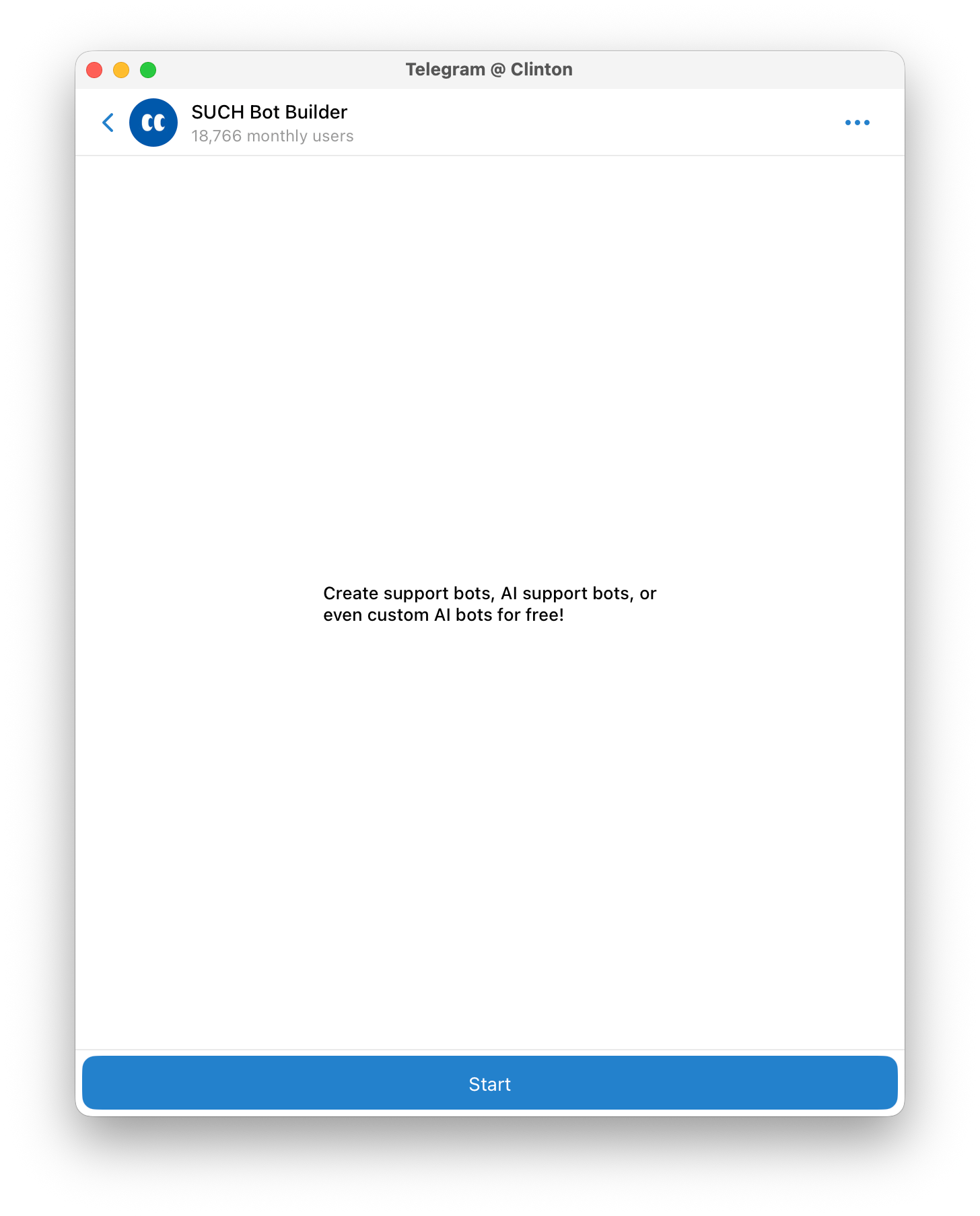
Creating a Telegram chatbot with SUCH is simple, fast, and completely code-free. Instead of dealing with complex setups, you interact with your chatbot naturally on Telegram, while managing conversations and replies through the SUCH web app or directly inside Telegram. This setup makes it ideal for educational, business, or support use cases.
Follow the steps below to build and launch your Telegram chatbot in just a few minutes.
Open Telegram and search for @BotFather, the official Telegram bot used to create new bots.
Tap Start, then send the command /newbot. BotFather will guide you through the initial setup process.
You will first be asked to enter a display name for your bot. After that, you must select a unique username that ends with “bot” (for example, EduSupportBot or Learning_AssistantBot).
This username cannot be changed later, so it is important to choose something that fits your project long-term.
Once completed, BotFather will generate:
Copy the token carefully. You will need it in the next step.
Next, open @SUCHBot on Telegram or visit the SUCH platform.
Paste the API token you received from BotFather into the chat to link your bot with SUCH.
At this point, SUCH takes over the technical side and prepares your bot for configuration.
Once your bot is connected, you can manage everything from the SUCH interface. Through the settings, you can:
All changes can be made either from the SUCH web dashboard or directly through Telegram.
Before making your chatbot public, test how it responds to messages. Check that automated replies trigger correctly, menus work as expected, and notifications are delivered properly. Fine-tune responses where necessary to ensure a smooth user experience.
After testing, your Telegram chatbot is ready to go live.
Once users start interacting with it, you can monitor performance through SUCH’s dashboard, review conversations, and continuously improve responses to better serve your audience.
Telegram chatbots are versatile tools that can benefit a wide range of users in the educational space. Here’s who can gain the most from implementing them:
Telegram chatbots are transforming education by making learning interactive, accessible, and efficient. From real-time student support to adaptive quizzes, these tools show exactly how Telegram chatbots improve education while saving teachers time and enhancing learning outcomes. Platforms like SUCH make it effortless to create smart, responsive educational chatbots, turning Telegram groups and channels into 24/7 learning hubs.
Whether you are a teacher, tutor, or educational institution, integrating Telegram chatbots can enhance student engagement, streamline classroom management, and provide round-the-clock support.
For more strategies on boosting learning and engagement, check out our guide on how to create an AI agent in Telegram to retain active learners.
Learn how to broadcast Telegram messages in 2025. Discover channels, bot broadcasts, and step-by-step guides to reach your Telegram audience!
Learn the best Telegram monetization methods in 2025: ads, affiliates, and InviteMember for subscription-based channels & groups.