

With SUCH PRO, you can provide support to Telegram groups, not just individuals. This is perfect for managing chats with teams or communities.
How To Give Support to a Group
To provide support to groups, just add your SUCH PRO bot to any Telegram group.
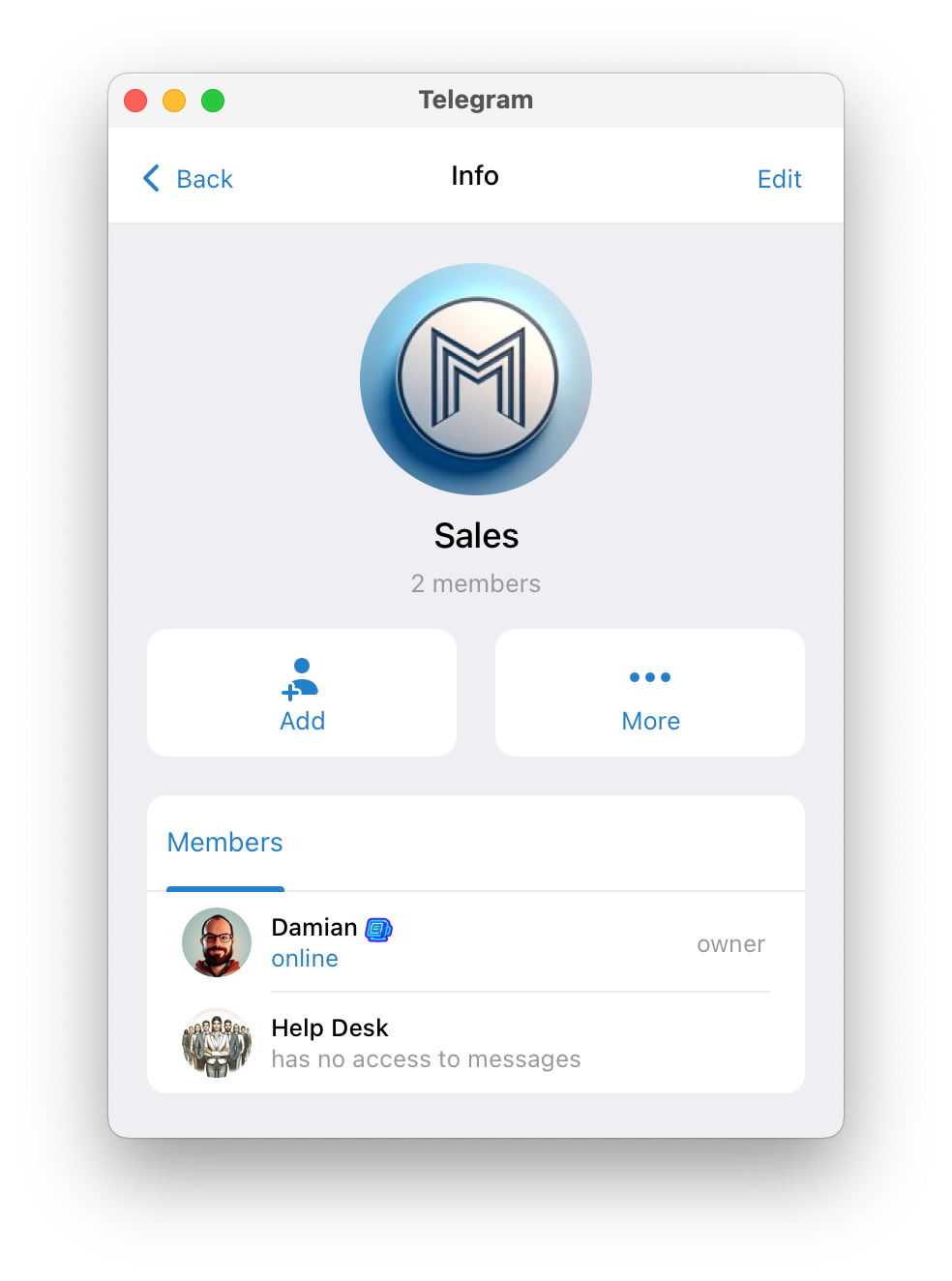
Your bot will send its welcome message when added to a group, and a notification will be sent in @SUCH.
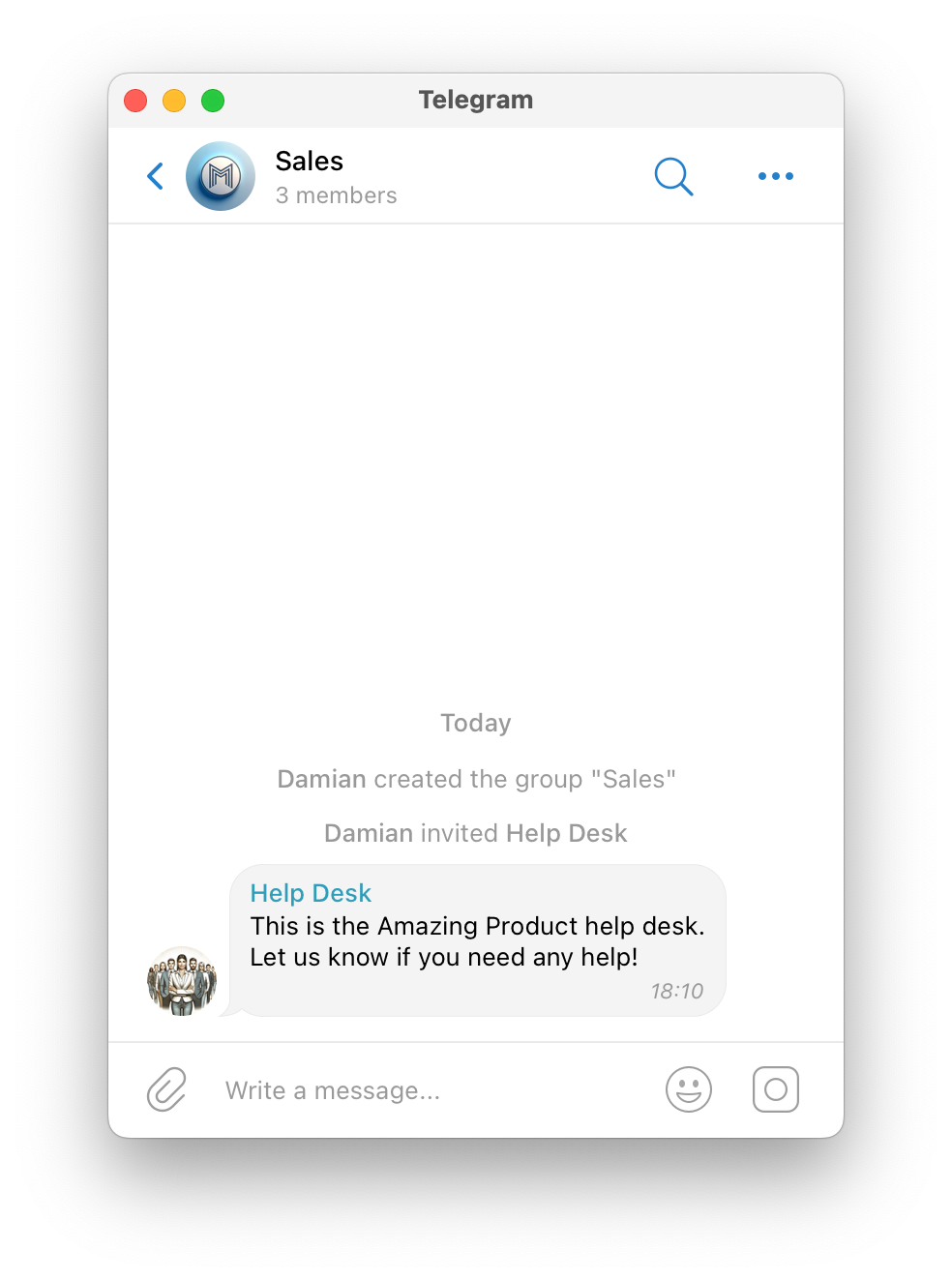
The notification in @SUCH will inform you about Privacy Mode.
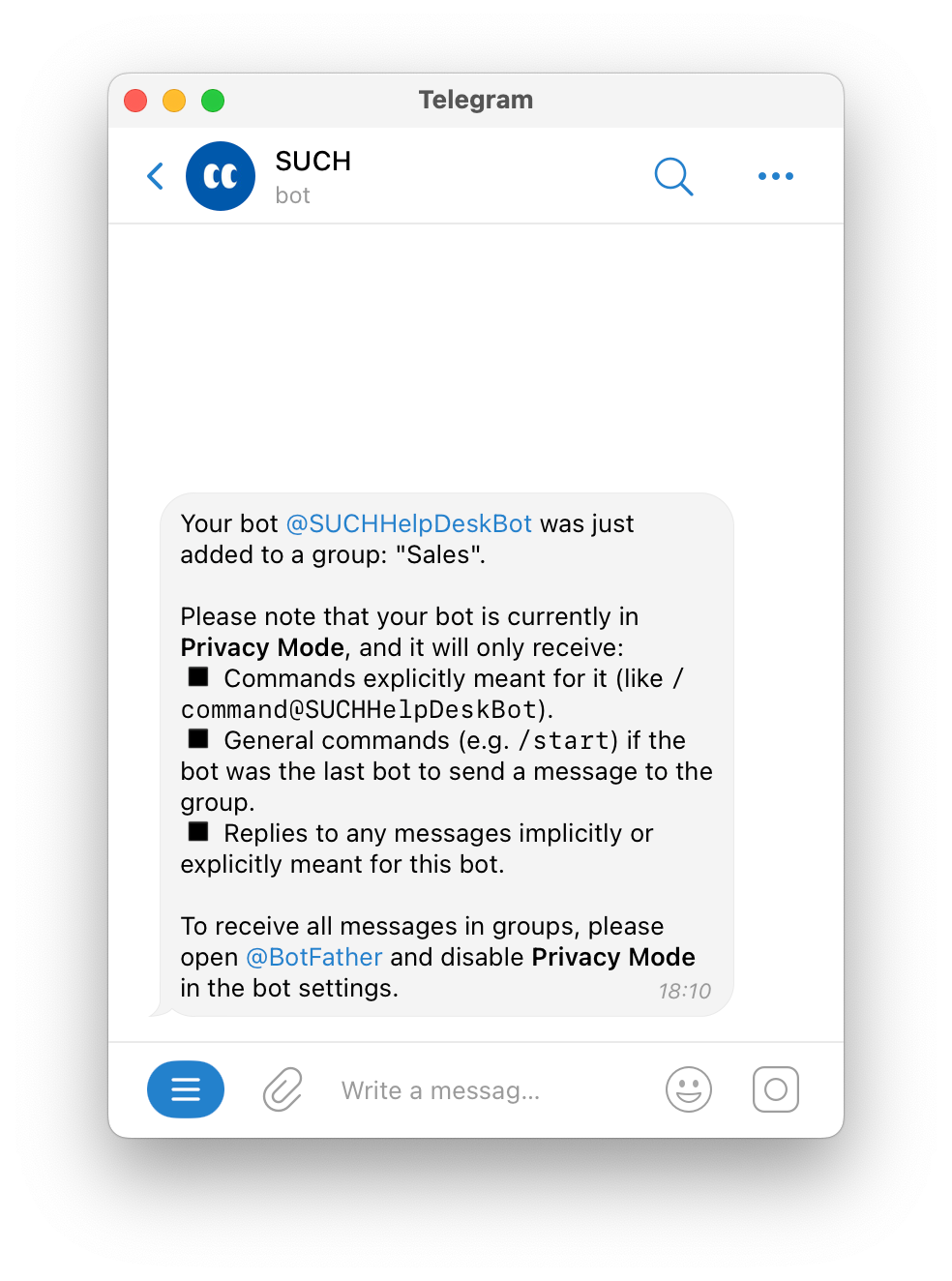
You need to disable Privacy Mode in @BotFather so you can receive all the group messages through the bot.
How To Disable Privacy Mode
To disable Privacy Mode:
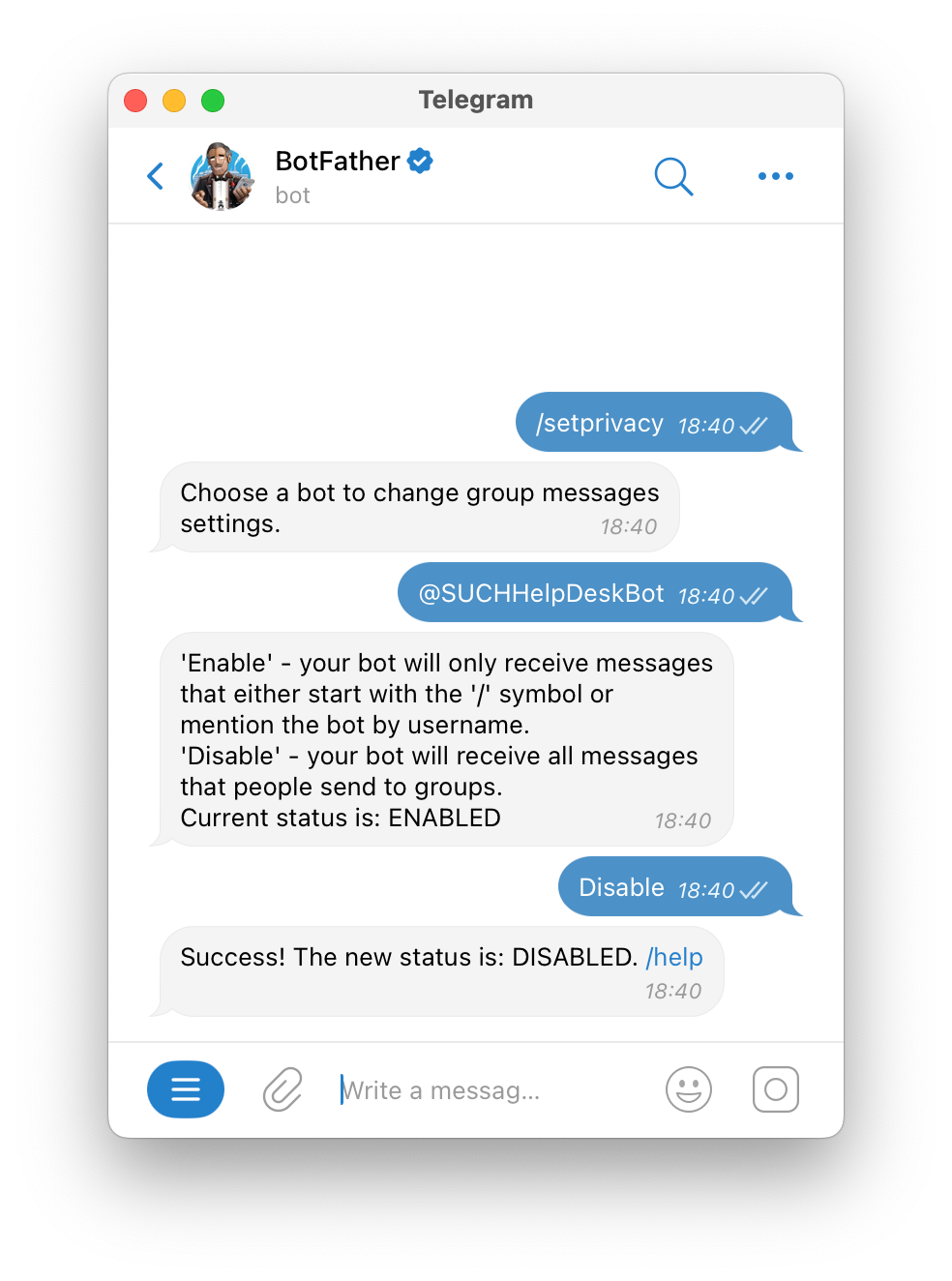
- Send
/setprivacyto @BotFather - Select your bot
- Send Disable
Once Privacy Mode is disabled, your bot will receive all messages sent in the group.
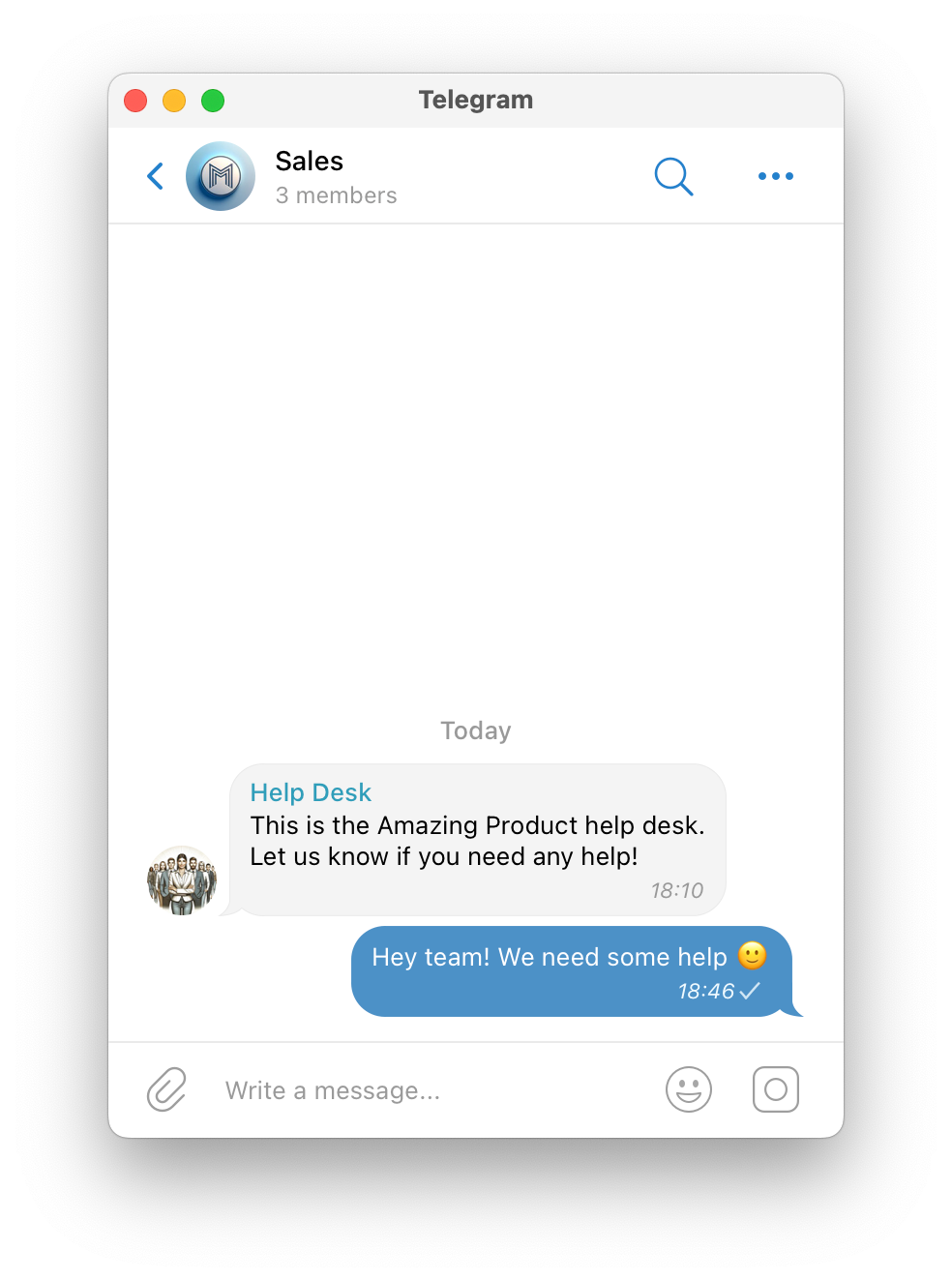
Group members can send any file, image, video, gif, or sticker, and your bot will send it to you, or your team. Group members can use custom commands too in any group that has your bot.
Only other users’ messages will be received, other bots’ messages can’t be seen by your bot.
How To Reply to a Group Member
In your bot, or team group chat in Telegram, you will receive a notification with these details:
- Sender’s name
- Group
- Telegram ID
- Message
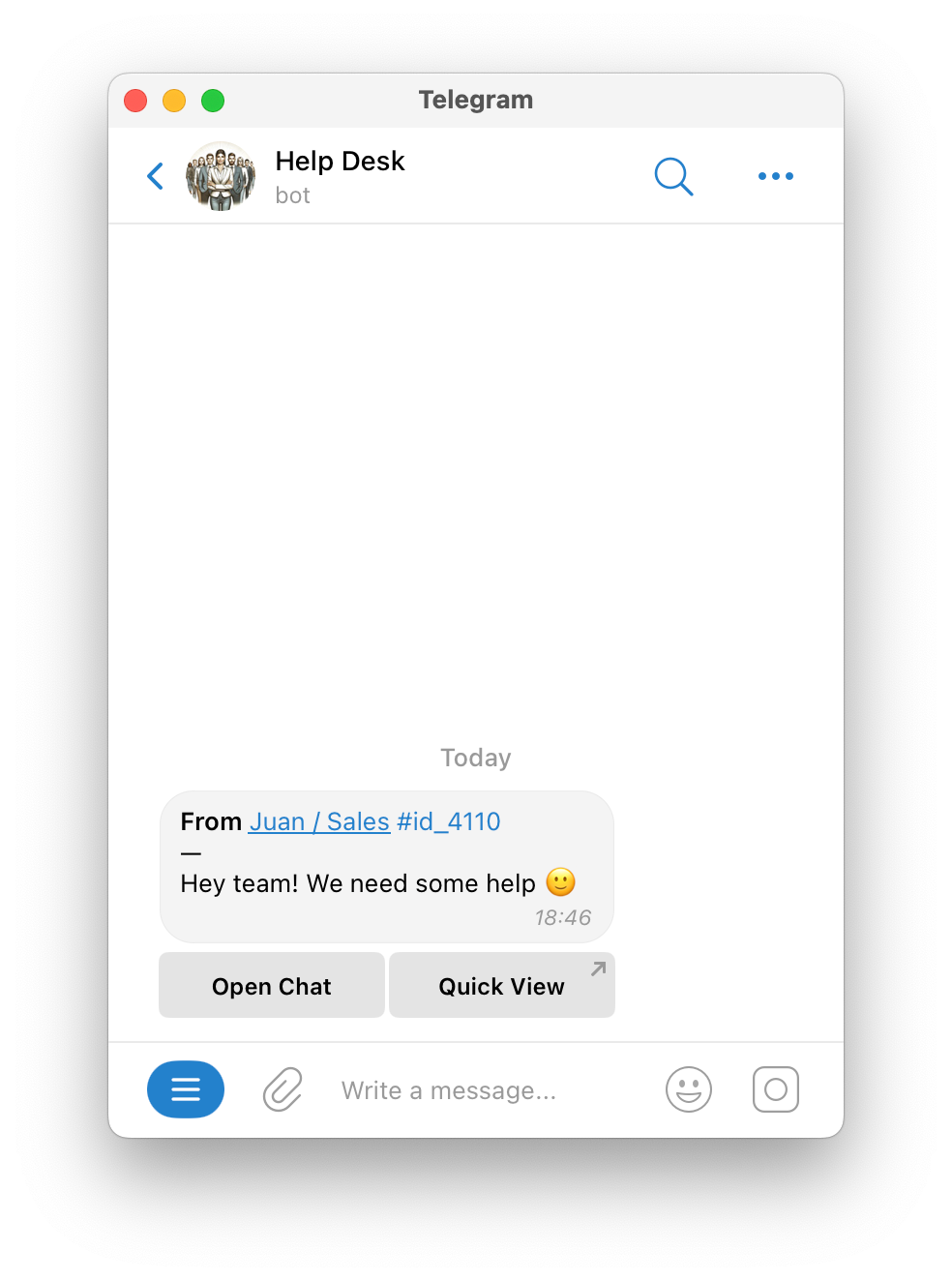
Select Open Chat to reply in the web app, or select Quick View for a rapid check.
You can also reply in Telegram by swiping or double-clicking the message.
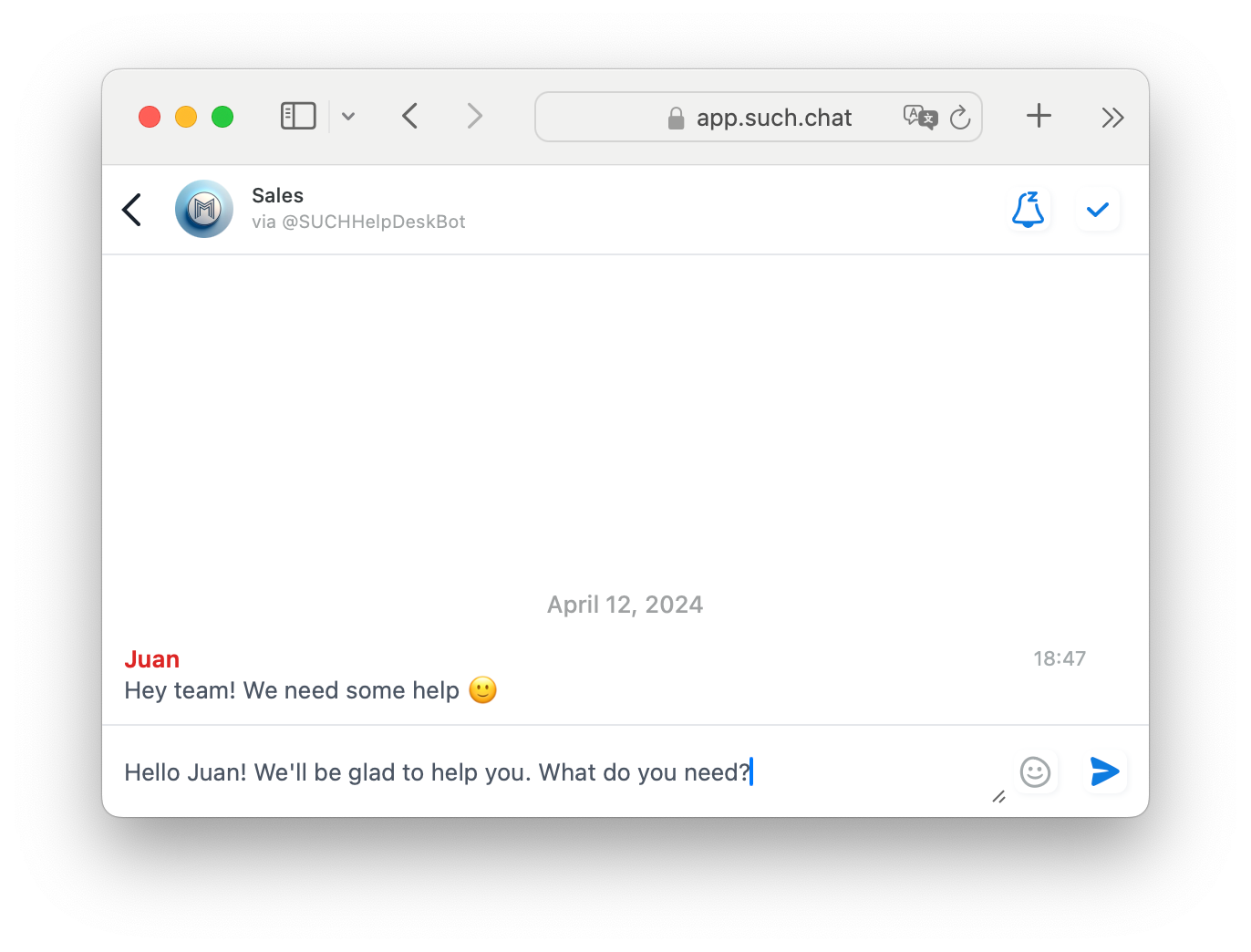
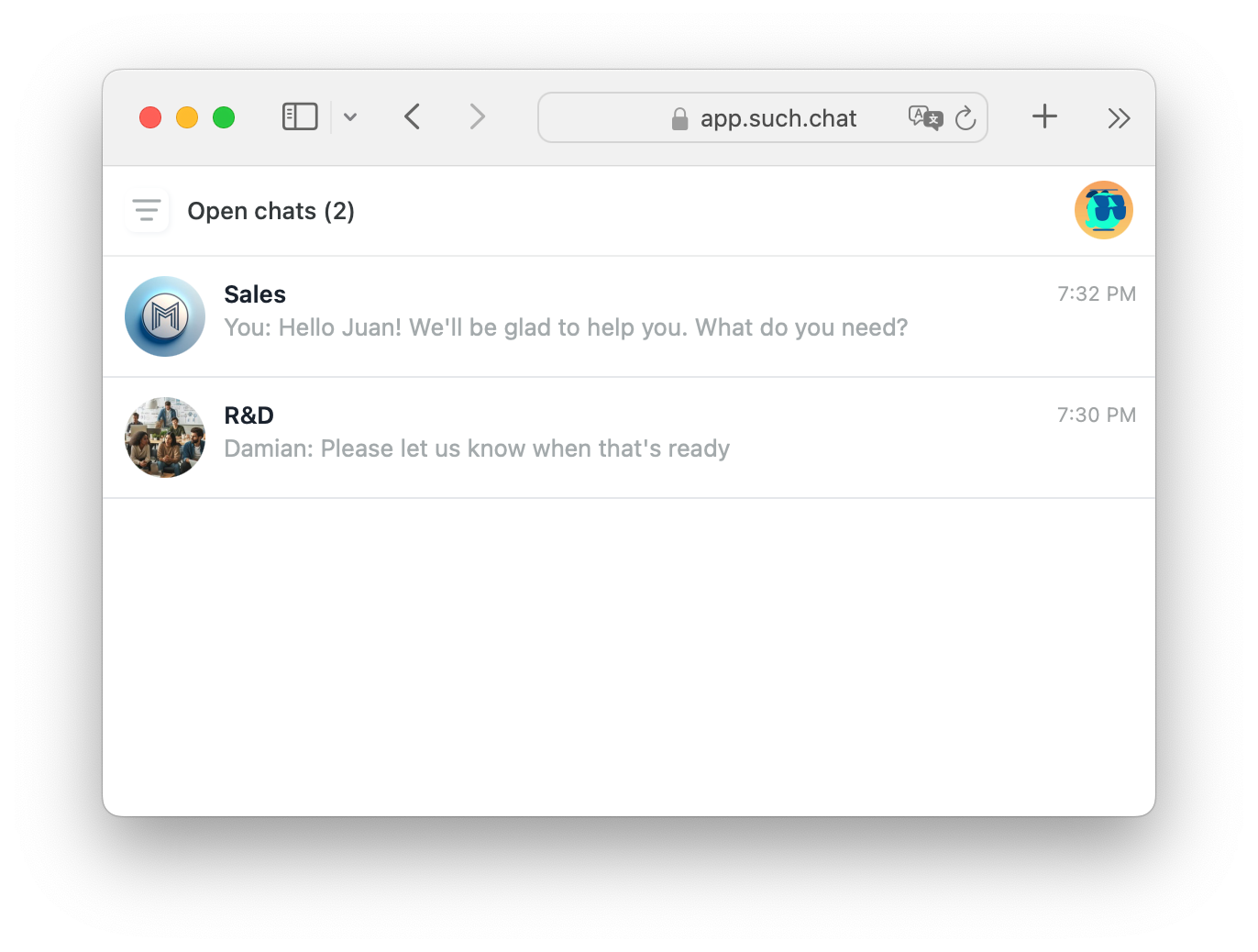
In the SUCH app, group chats appear just like individual chats.
This makes it easy for you and your team to manage conversations.
Broadcasts can also be sent to groups, keeping everyone informed.
Learn more about broadcasts, here: