
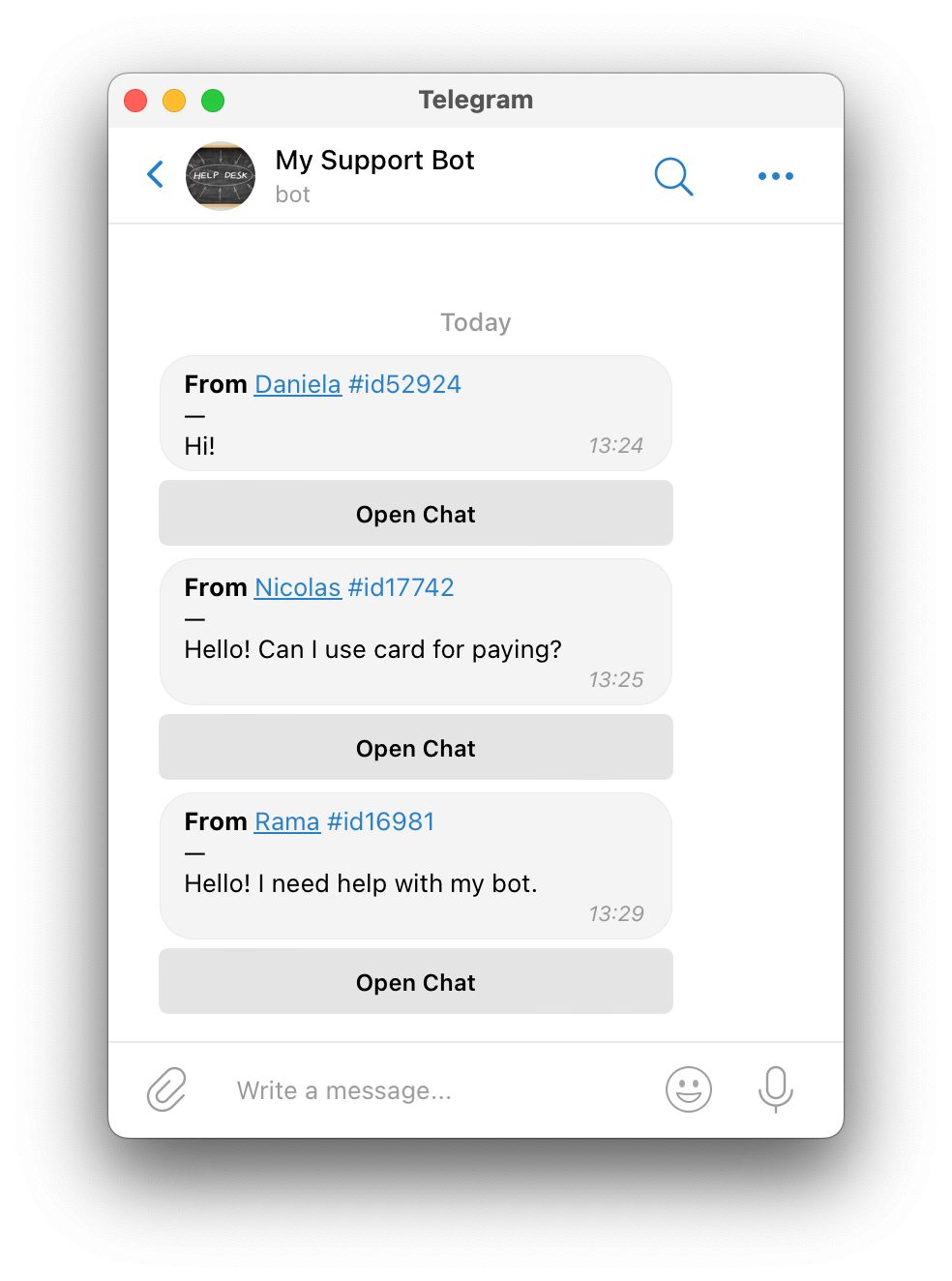
When someone messages your bot, you'll get a notification.
Use the SUCH web app to talk to your users and manage your chats.
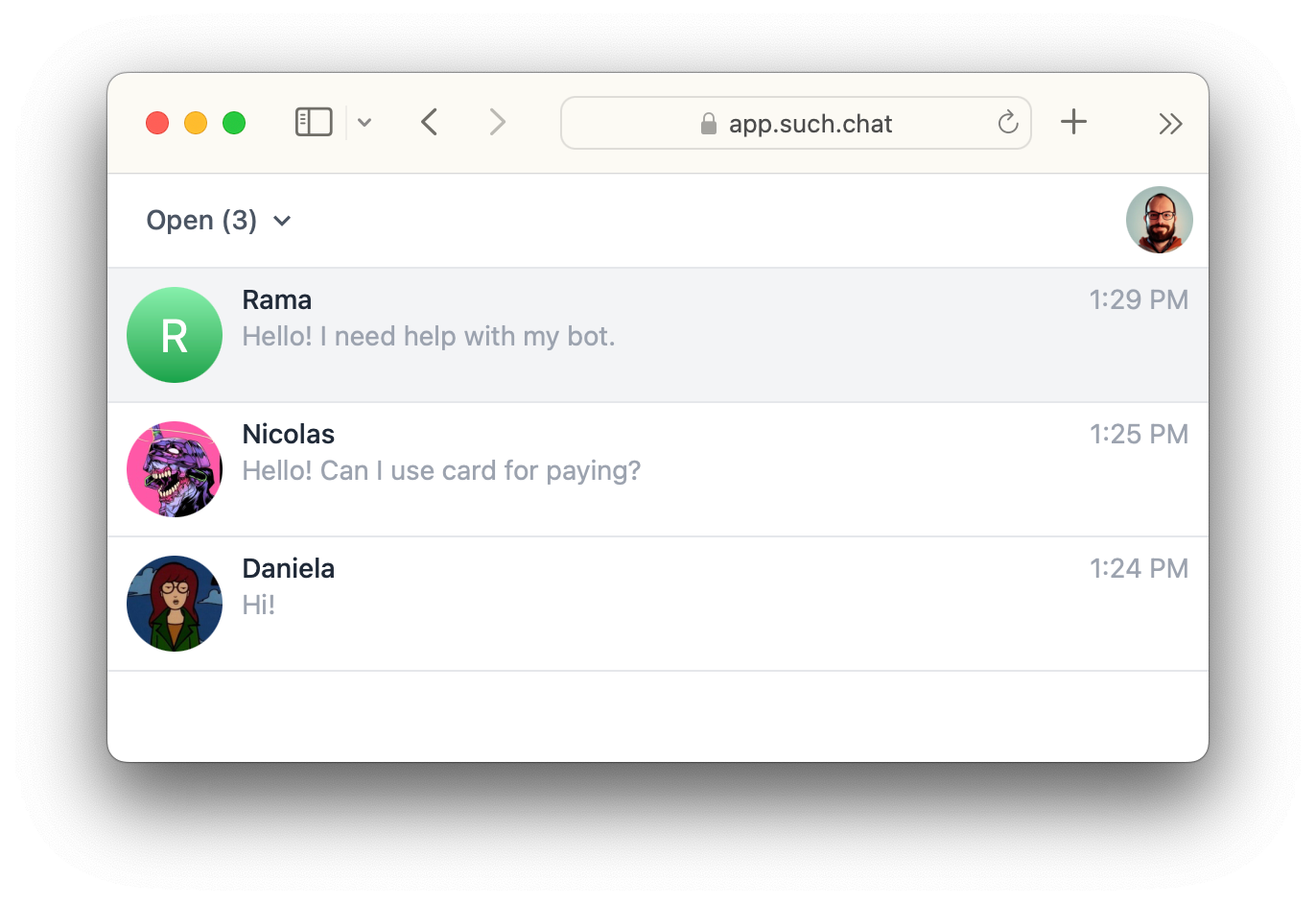
Answering messages
Go to your bot or support group chat. Press the Open Chat button under the message to answer.
A chat with that person will show on app.such.chat. You can send files, texts, emojis and gifs.
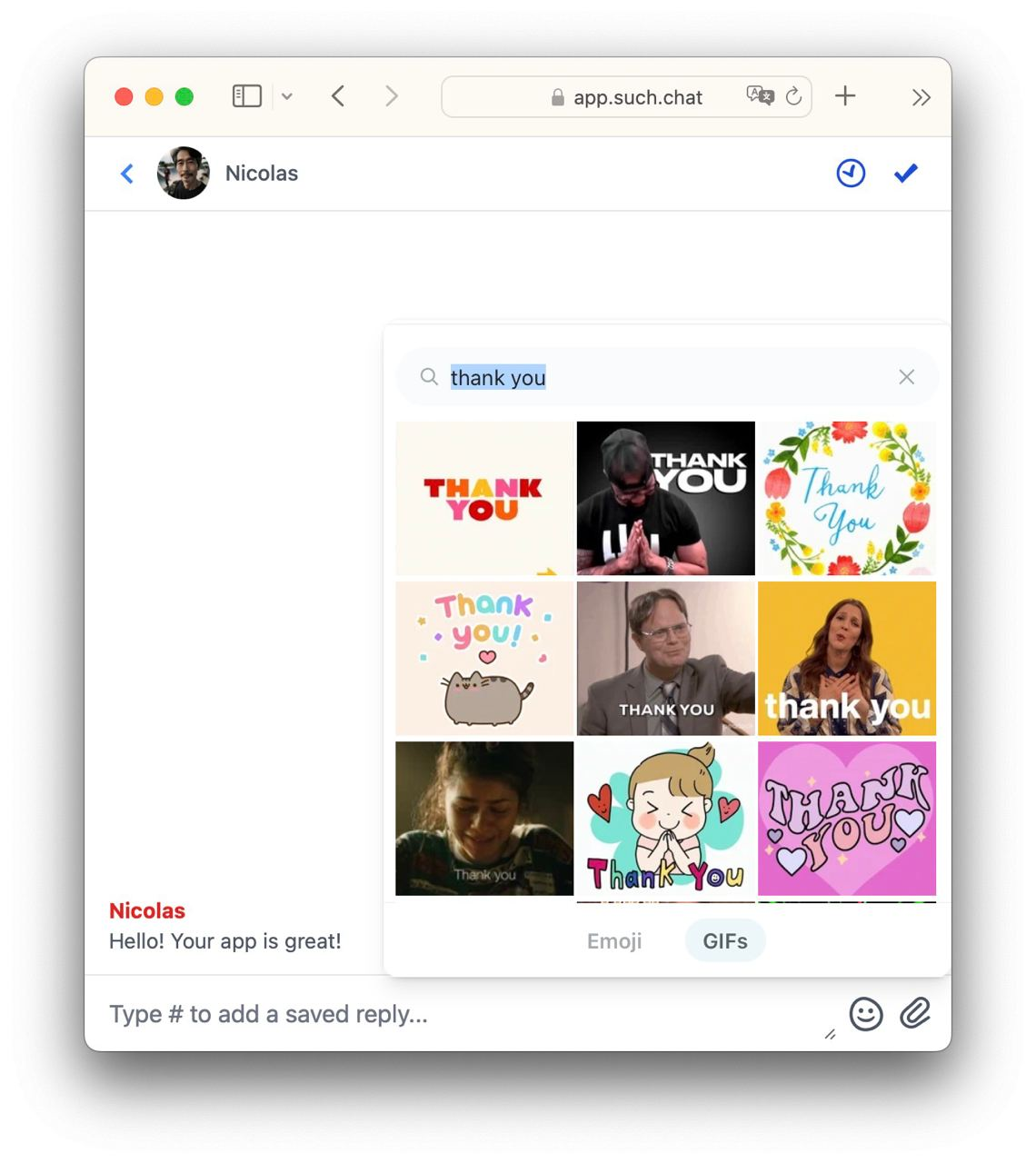
Press the clock or check icons to snooze or close chats.
Learn how to reply to messages in Telegram, here:
Learn how to edit and reply messages directly in SUCH chats, here: