
Telegram Guide
Manage several Telegram support bots in SUCH by keeping each bot's purpose, settings, and team access separate.

Damian Ledesma
October 24, 2026
•
6 minutes

Export customer-support conversations from owned SUCH bot projects, with or without media files, in a downloadable ZIP.

You can download customer-support chats and messages from a Telegram bot when it is connected as a SUCH project that you own. Choose one or more owned projects, prepare the export, then download the ZIP file when it is ready.
This is different from exporting personal chat history from Telegram Desktop. A SUCH project export covers the customer conversations handled by the support projects you select, not your entire personal Telegram account.
SUCH offers three export choices. Only two include customer conversations.
| Export choice | What it includes | Choose it when |
|---|---|---|
| Project conversations | Chats and messages from one or more projects you own | You need conversations from selected support bots. |
| Complete export | Your personal account data and conversations from every project you own | You need a complete account record and all of your owned projects. |
| Personal data only | Your profile, memberships, and billing records | You do not need customer conversations. |
If you run several bots, Project conversations lets you choose the relevant projects. Manage multiple Telegram support bots in SUCH before you need an export so each bot has a clear customer purpose and owner.
Select Export data.
Choose Project conversations. Select every project whose customer messages you need. Choose Complete export instead when you need all owned projects along with your account data.
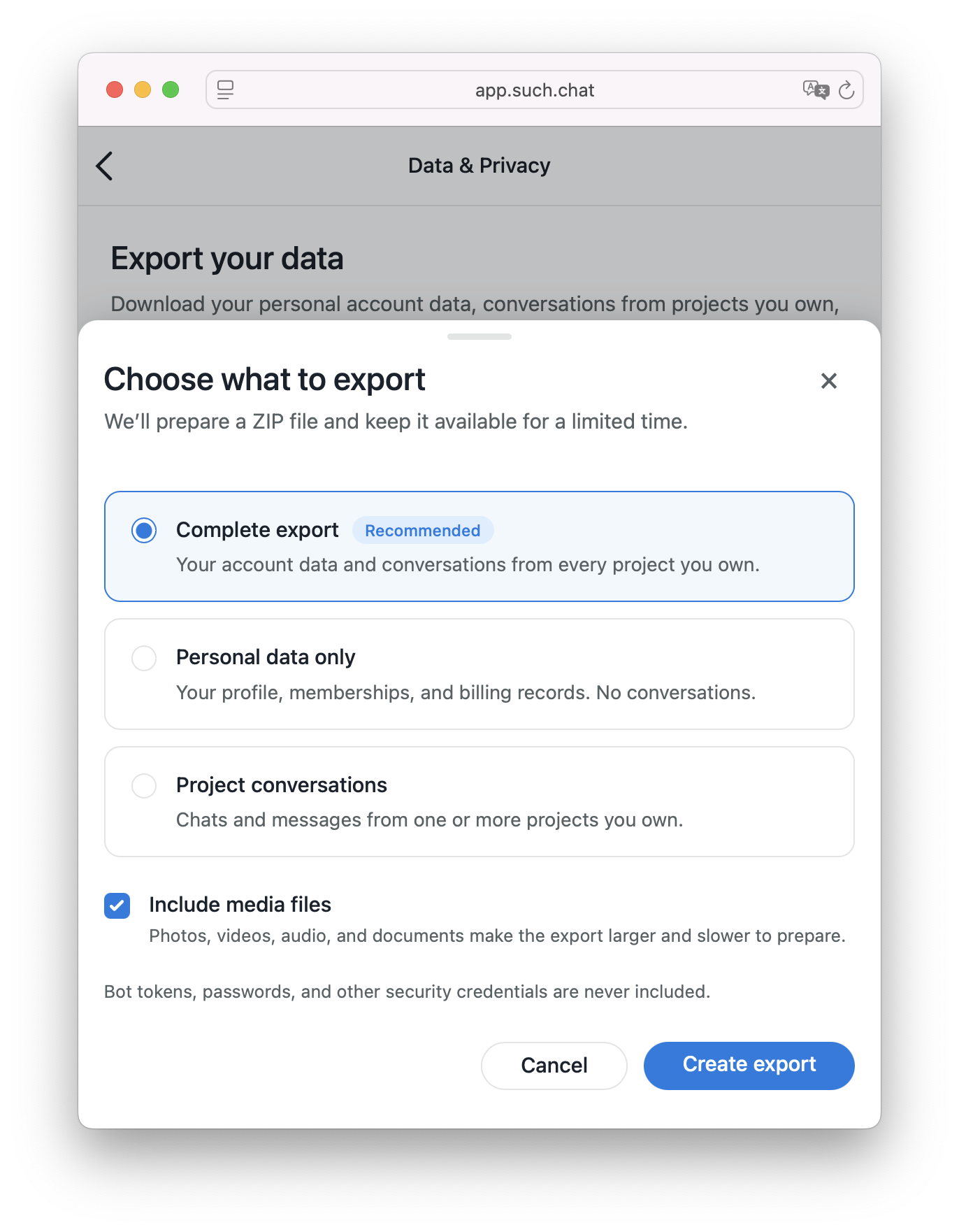
The request appears under Recent exports. SUCH prepares one export at a time. When the request is ready, download its ZIP file from that section.
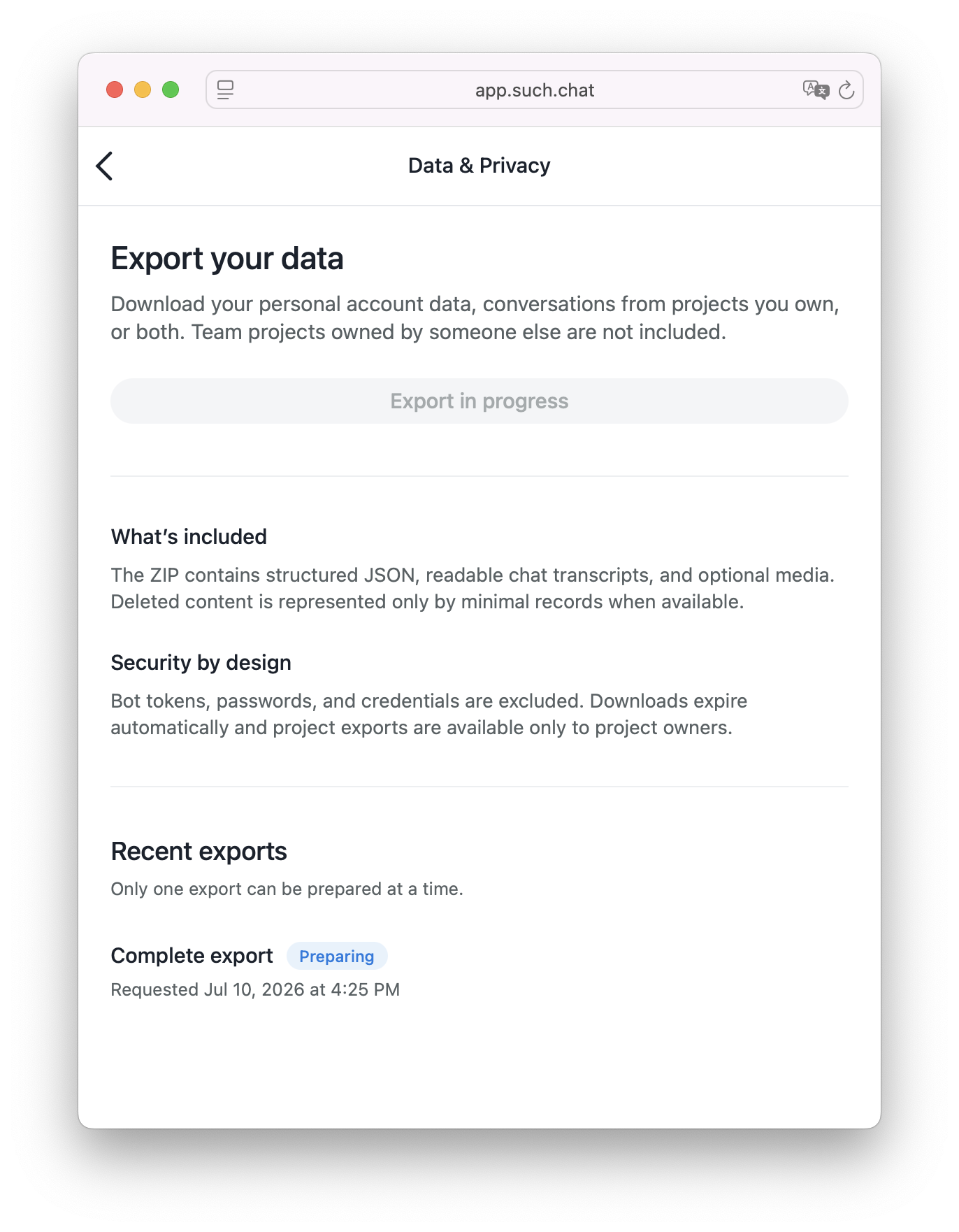
Open the full export instructions when you need the account path alongside the product screenshots.
Adding media can make the ZIP larger and take longer to prepare. Use it when the files in customer conversations are part of the record you need. Leave it off for a smaller export focused on messages and structured data.
You cannot start a second export while another one is being prepared. Wait for the current request to finish, then create the next one. The ZIP download expires automatically, so download it when it is ready. If it has expired, create a new export.
Create another export whenever you need a newer copy of the conversations. An export is a requested download, not a continuing sync of later customer messages.
Only the project owner can export its customer conversations. A support agent may be able to reply to customers in the bot's team workflow, but that does not give the support agent permission to export the project's chats. A project owned by another account will not appear in your selection list.
The export does not include bot tokens, passwords, or other security credentials. Treat the downloaded ZIP as a customer-conversation record and share it only with the colleagues who need it for the work at hand.
Yes. Choose Project conversations, then select one or more SUCH projects you own. Each selected project can represent a connected Telegram support bot.
Only projects you own can be included. If you are a support agent or team member on a project owned by someone else, that project will not appear.
It includes photos, videos, audio files, and documents when Include media files is selected. Turn that option off for conversation transcripts and structured data without those files.
No. SUCH prepares one export at a time. Wait for the current request to finish before you create another.
No. Bot tokens, passwords, and other security credentials are never included.
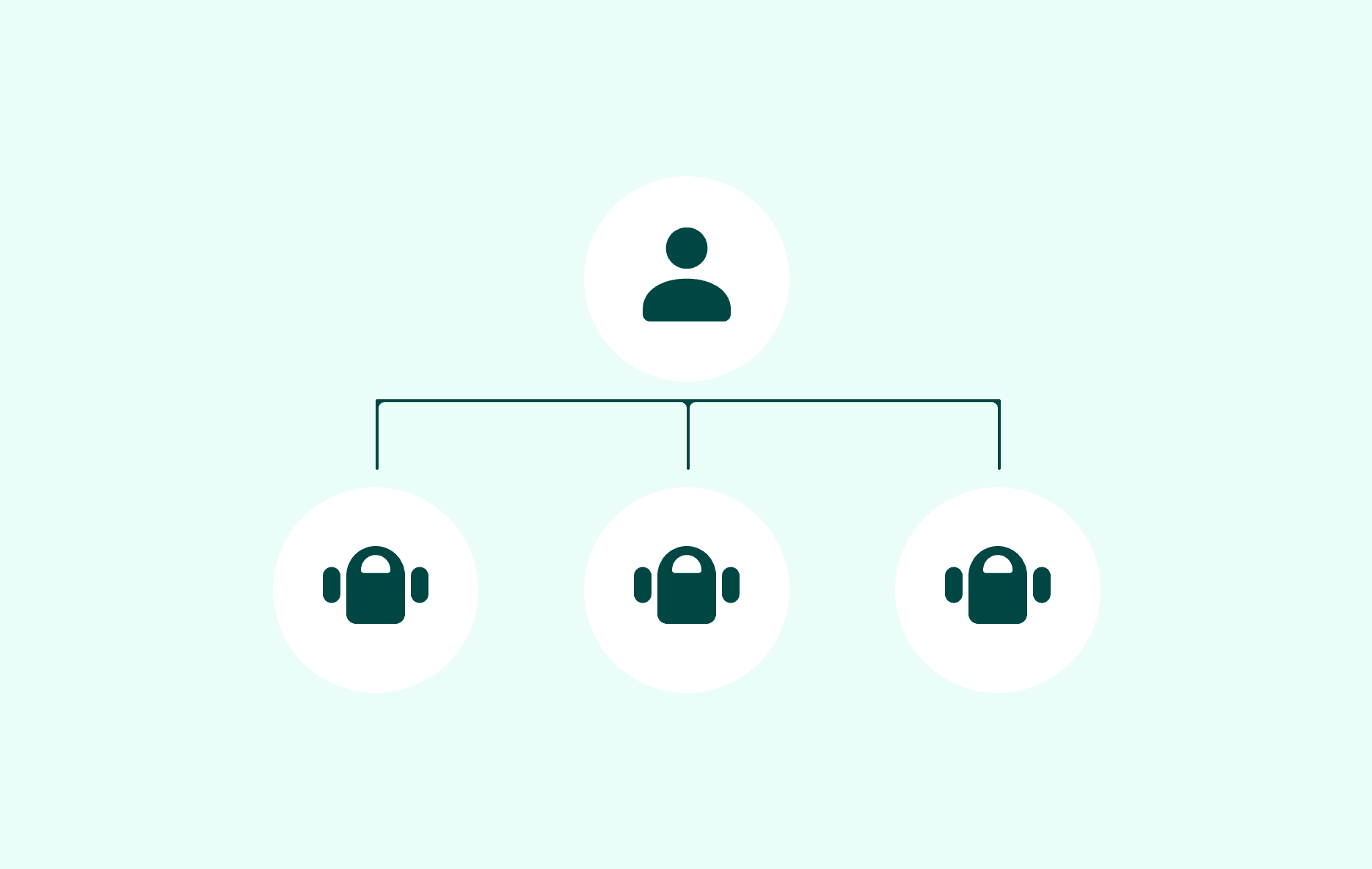
Manage several Telegram support bots in SUCH by keeping each bot's purpose, settings, and team access separate.

Set up Bot AI instructions and Bot knowledge in SUCH so your Telegram support bot gives accurate, useful answers.