Telegram 2026 A Step-by-Step Guide to Creating Your Account
Learn how to create and set up a Telegram account. This step-by-step guide covers registration with and without a phone number, and security tips for new users
Creating a Telegram account is quick, simple, and one of the easiest ways to use a secure and feature-rich messaging system. Telegram is popular for its speed, privacy tools, cloud-based storage, and the freedom to use your chats across multiple devices without losing data.
This guide walks you through the process step by step, from downloading the app to completing your registration and adjusting your first settings. Let’s create your Telegram account.
Downloading Telegram
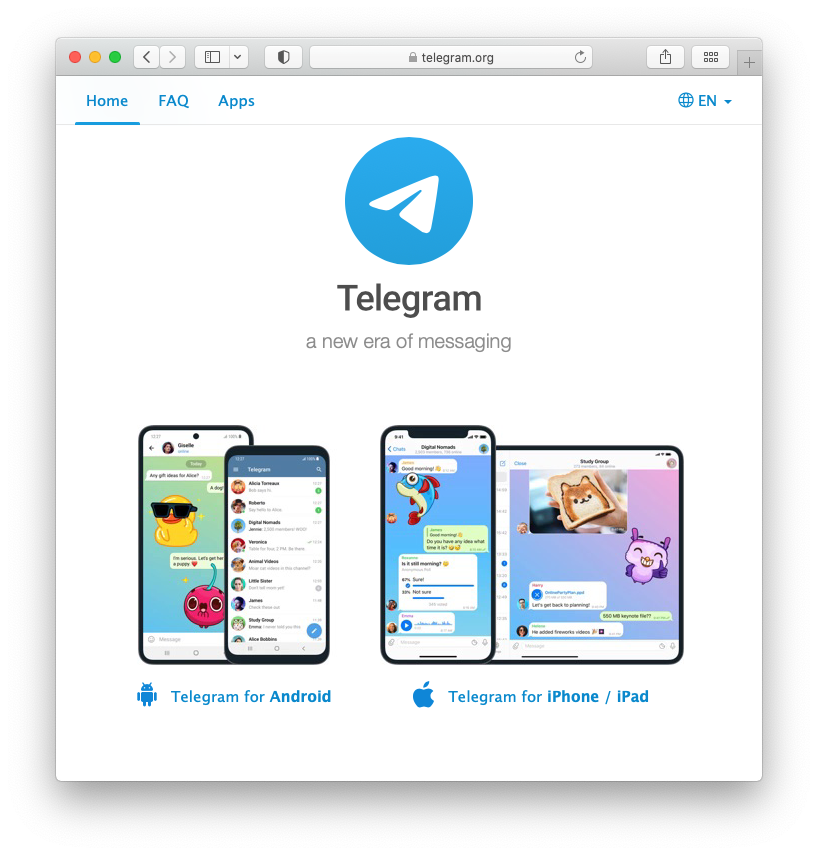
Telegram is available on almost every major platform. You can install it on Android, iOS, Windows, macOS, or even access it directly through your browser with Telegram Web.
Here’s what you’ll need:
A smartphone or computer: Telegram is accessible on various devices.
An active phone number: You'll need this for verification.
On Android, you can install Telegram from the Google Play Store. For iPhone or iPad, download it from the App Store. If you are on a Windows or macOS computer, the official Telegram Desktop app is available on Telegram’s website. And if you prefer not to install anything, Telegram Web lets you log in instantly from any modern browser.
How to Create a Telegram Account
1. Download the Telegram app: Head to your app store (iOS or Android) or Telegram's official website to download the app for your device.
2. Open the app and tap "Start Messaging": You'll be greeted with a friendly welcome screen.
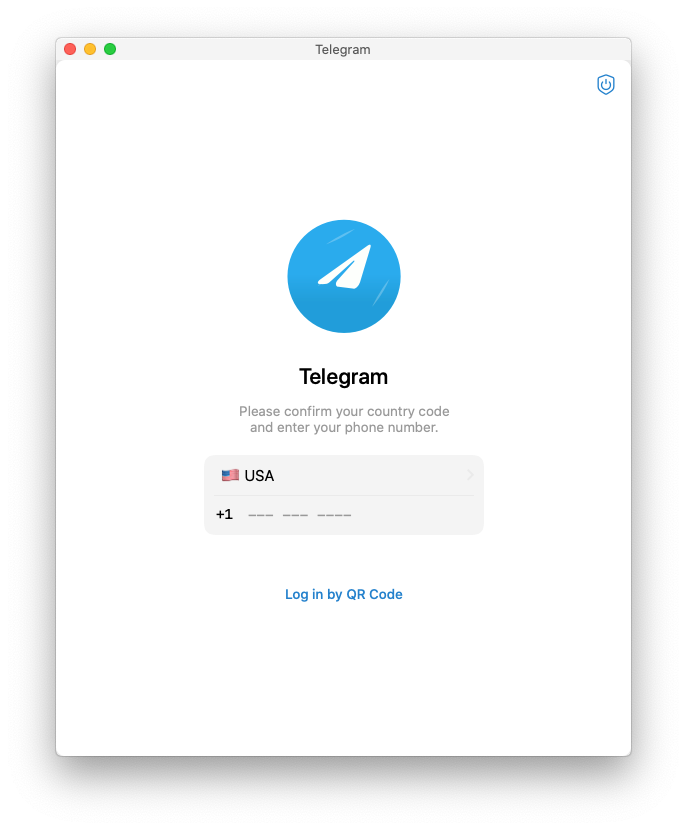
3. Enter your phone number: Make sure to include your country code.
4. Verify your number: Telegram will send you an SMS message with a verification code. Enter this code into the app.
5. Enter your first and last name: This helps your contacts find you.
6. Start chatting! You're all set! Explore the app, add contacts, and discover the world of Telegram.
How to Create a Telegram Account Without a Phone Number
Telegram always asks for a phone number during registration, but it does not need to be your personal SIM number.
You can create a Telegram account with an alternative number that can receive (or display) verification codes.
Option 1: Use a secondary SIM
Get a secondary SIM card.
Insert that SIM into a phone that can receive SMS or calls.
Open Telegram and start the sign-up process.
When asked for a phone number, enter this alternative number.
Enter the verification code you receive on that line to complete registration.
Option 2: Use a VoIP or virtual number
Choose a VoIP or virtual number provider that supports SMS from services like Telegram.
Create an account with the provider and get a number.
Open Telegram and start registration.
Enter the virtual number instead of your personal number.
Read the verification code in the provider’s app or website and enter it in Telegram.
For VoIP numbers, avoid temporary or disposable numbers. Telegram may block numbers that are recycled often or widely abused.
Option 3: Use Telegram Anonymous Numbers (no-SIM signup)
Telegram also supports no-SIM signup using Anonymous Numbers from the Fragment marketplace.
Go to Fragment and buy an anonymous number for Telegram.
Open Telegram and start the sign-up flow.
Enter the anonymous number instead of a regular phone number.
Get the login code from the “My Anonymous Numbers” section on Fragment and enter it in Telegram.
These anonymous numbers are not linked to a mobile carrier or SIM card, but they work as valid numbers for Telegram registration.
Requirements and risks
For any alternative number you use:
It must be able to receive or show Telegram verification codes.
You must keep access to it for future logins and security checks.
If you lose access to that number, recovering your Telegram account becomes harder. To reduce this risk:
Enable Two-Step Verification in Telegram after creating your account.
Store your Two-Step Verification password in a secure password manager.
Telegram Features for New Accounts
Once your account is set up, you can start using Telegram features that go beyond basic messaging.
Direct messages, groups, and channels
Send direct messages to contacts or search for users by their username.
Join or create groups for two-way conversations with up to hundreds of thousands of members.
Join channels to follow news, entertainment, or niche topics where admins broadcast updates to large audiences.
Bots can help channel admins, bot developers, business owners, and community managers automate support, content delivery, and workflows.
Tools like SUCH bot let you create and run your own AI-powered and customer support bots directly inside Telegram.
Cloud-based chats and files
Telegram stores your messages, photos, videos, and documents in the cloud, so you can access the same chats on phone, desktop, and web without manual backups.
You can share large files (up to several gigabytes each, depending on your plan) and keep them available in your chats for future download.
You can organize conversations into folders, pin important chats, and adjust themes, chat backgrounds, and notification settings to match how you work.
Security Tips for New Telegram Users
After you create your Telegram account, adjust these settings to reduce account theft, spam, and data leaks.
Enable two-Step Verification
Go to Settings → Privacy and Security → Two-Step Verification.
Adjust Last Seen, Online Status, and Profile Photo so only contacts (or nobody) can see them.
Limit who can find you by your number and who can add you to groups/channels in the same Privacy and Security menu.
Use Secret Chats and disappearing messages for sensitive content
Use Secret Chats for conversations that need end-to-end encryption and device-only storage. These chats support self-destruct timers and cannot be forwarded.
For regular chats, enable auto-delete timers or send view-once media to shrink your message history. Telegram supports global auto-delete timers for all new chats.
Go to Settings → Privacy and Security → Active Sessions.
End any device you do not recognize.
Use “Terminate all other sessions” if you suspect someone else has access to your account.
Avoid scams, fake support, and risky bots
Never share login codes or Two-Step Verification passwords in chats, websites, or with bots. Telegram support will not ask for these in a conversation.
Be careful with unknown bots, channels, and groups that ask for personal data, bank details, or crypto wallet information.
These steps give new Telegram accounts a solid security baseline. For deeper configuration, you can combine this section with the full SUCH Telegram security checklist and related privacy guides.
Common Issues During Telegram Account Registration
Most Telegram account registrations work without problems, but some errors are common and predictable.
Verification code not received
Typical causes:
Weak or unstable mobile network
SMS blocked by your carrier or country regulations
Incorrect country code or number format
Using a VoIP or virtual number that Telegram does not support
How to fix it:
Confirm the country code and full phone number are correct
Move to a place with better signal or switch from Wi-Fi to mobile data (or the opposite)
Temporarily disable VPNs or call-filtering apps that may block SMS
Wait a few minutes and request the code again, or use the “Call me” option if available
If you use a VoIP or virtual number, test it with other SMS services first; if it fails often, switch to a more reliable number
“Too many attempts” or temporary login limits
Telegram can temporarily block new code requests if you:
Request many SMS codes in a short time
Enter the wrong verification code repeatedly
Switch devices, IP addresses, or VPN endpoints too quickly during registration
What to do:
Stop requesting new codes and wait; limits often reset after several hours (sometimes up to 24 hours)
When the limit resets, request a single code and enter it carefully
Avoid creating and deleting Telegram accounts repeatedly on the same number, which can trigger longer cooldowns
“This phone number is banned” or restricted numbers
Some numbers cannot be used for Telegram registration. This usually happens when:
The number was previously used for spam or automated messaging
The number comes from a provider or range with high abuse reports
The number has been recycled or appears in many short-lived accounts
Your options:
First, confirm you have not violated Telegram’s terms (mass spam, abusive content, automated signups)
If the number remains banned after review, you will need a different, clean number for registration
Problems when registering on multiple devices at once
If you try to:
Start registration on phone and finish it on desktop at the same time
Request codes from different devices in parallel
Telegram may delay or block the process for security reasons.
To avoid this:
Complete registration from one device only
After the account is active, log in on other devices using the same number and code
Repeated app or network errors
If Telegram shows generic errors during registration:
Update the Telegram app to the latest version
Restart your device and reopen the app
Try registering over a different network (another Wi-Fi or mobile data connection)
If your country or network restricts Telegram, a stable VPN connection may be required to receive the verification code
If you still cannot create your Telegram account after these steps, follow the escalation paths in How to Contact Telegram Support in 2025 to report the registration problem and attach screenshots or error messages.
Takeaway
Creating a Telegram account is quick: download the app, register with a phone or alternative number, and adjust your privacy and security settings.
After that, you can start using chats, groups, channels, and bots to run your community or business.
To manage these at scale, explore AI chatbots that can automate replies, support, and routine tasks on Telegram.
FAQs
How to create a Telegram account without a phone number? While a phone number is typically required, there are some workarounds using virtual numbers. This guide will help with the process.
How do I create a second Telegram account? Telegram allows you to have multiple accounts linked to different phone numbers. Simply follow the steps above again with a new number.
Is Telegram really free? Absolutely! Telegram is free to download and use, with no hidden fees or subscriptions. If you ever do want to enhance the experience or support Telegram, you can always consider upgrading to Telegram Premium.
What's the difference between a Telegram group and a channel? Groups are for two-way conversations with friends or colleagues, while channels are a one-way broadcast tool for sharing news or updates with a large audience. Pro tip: AI chatbots can be used to help you manage these communities.
Can I hide my phone number on Telegram? Yes! Thanks to Telegram’s privacy settings, you can prevent 1) anyone from seeing your number, or 2) anyone who isn’t a contact. Here’s our guide to hiding your number on Telegram.
Can I use Telegram on my computer? Yes, Telegram has desktop apps for Windows, macOS, and Linux, as well as a web version you can access from any browser.
How to make money on Telegram? Telegram offers several ways to monetize your presence. You can sell products or services directly to your audience, use affiliate marketing to promote other businesses, or even create a paid membership group with exclusive content. InviteMember can help you manage and automate membership subscriptions, making it easier to generate revenue from your Telegram community.
What are Telegram support bots? Telegram support bots include tools to enhance customer service, answer FAQs, and provide instant support, all within the application. These bots can free up your time and improve the customer experience. Platforms like SUCH allow you to easily create and customize your own Telegram support bots, tailoring them to your specific needs and branding, even incorporating AI automation.