
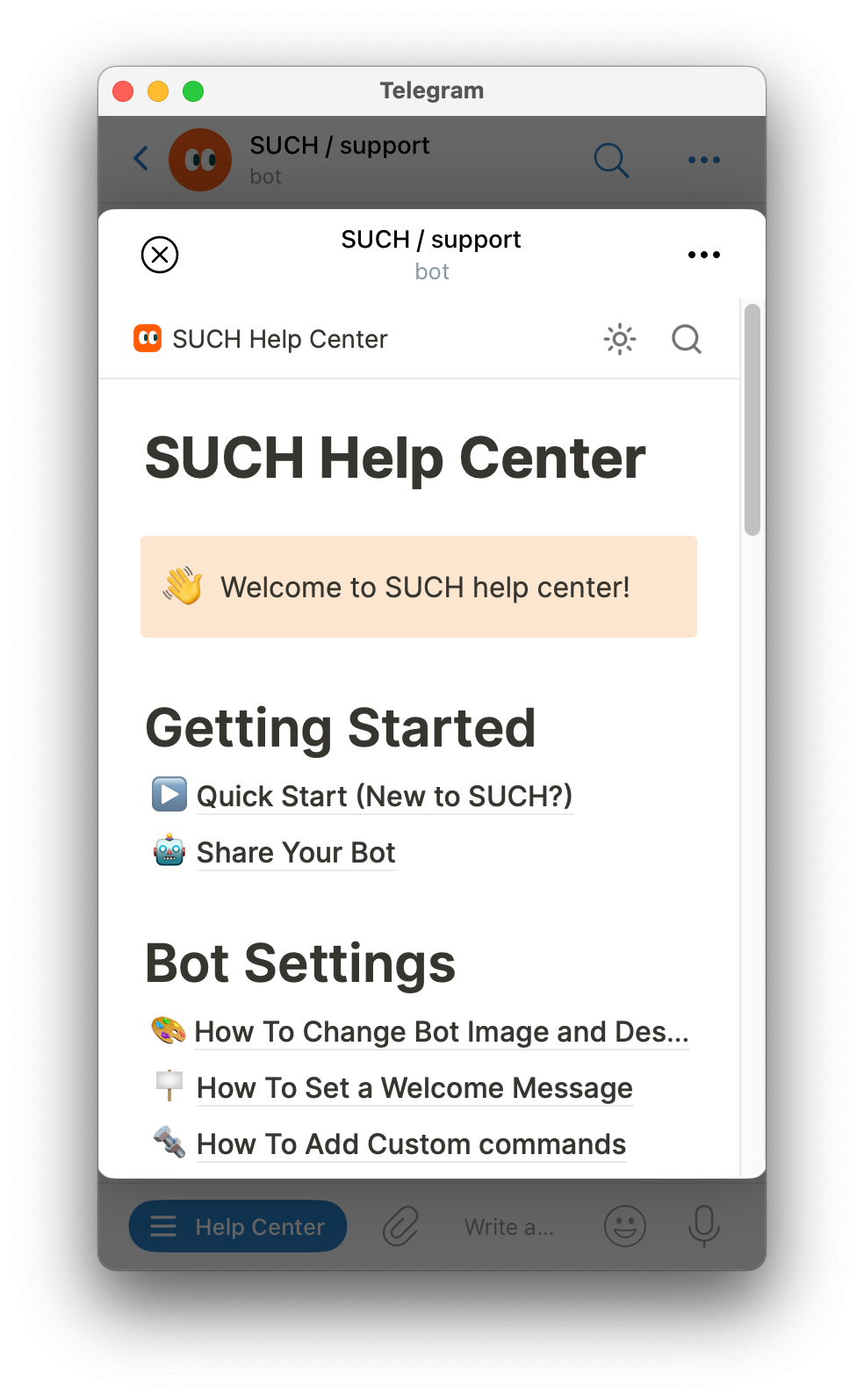
You can create a mini web app for your support or feedback bot that will load in Telegram.
Web apps can be any online page or tool. They're good for adding help pages, feedback forms, or rules to your bot.
Making a web app
- Send
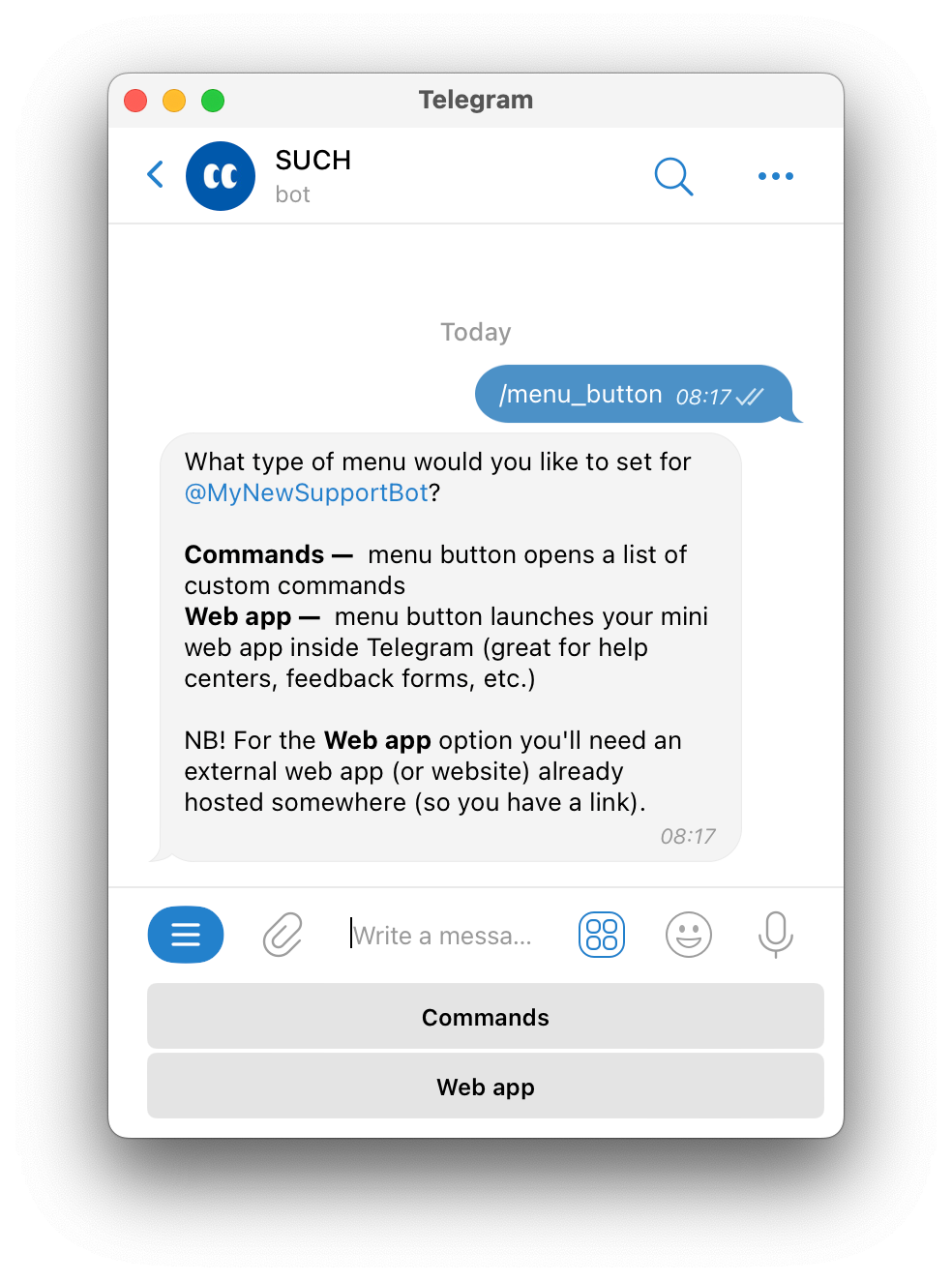
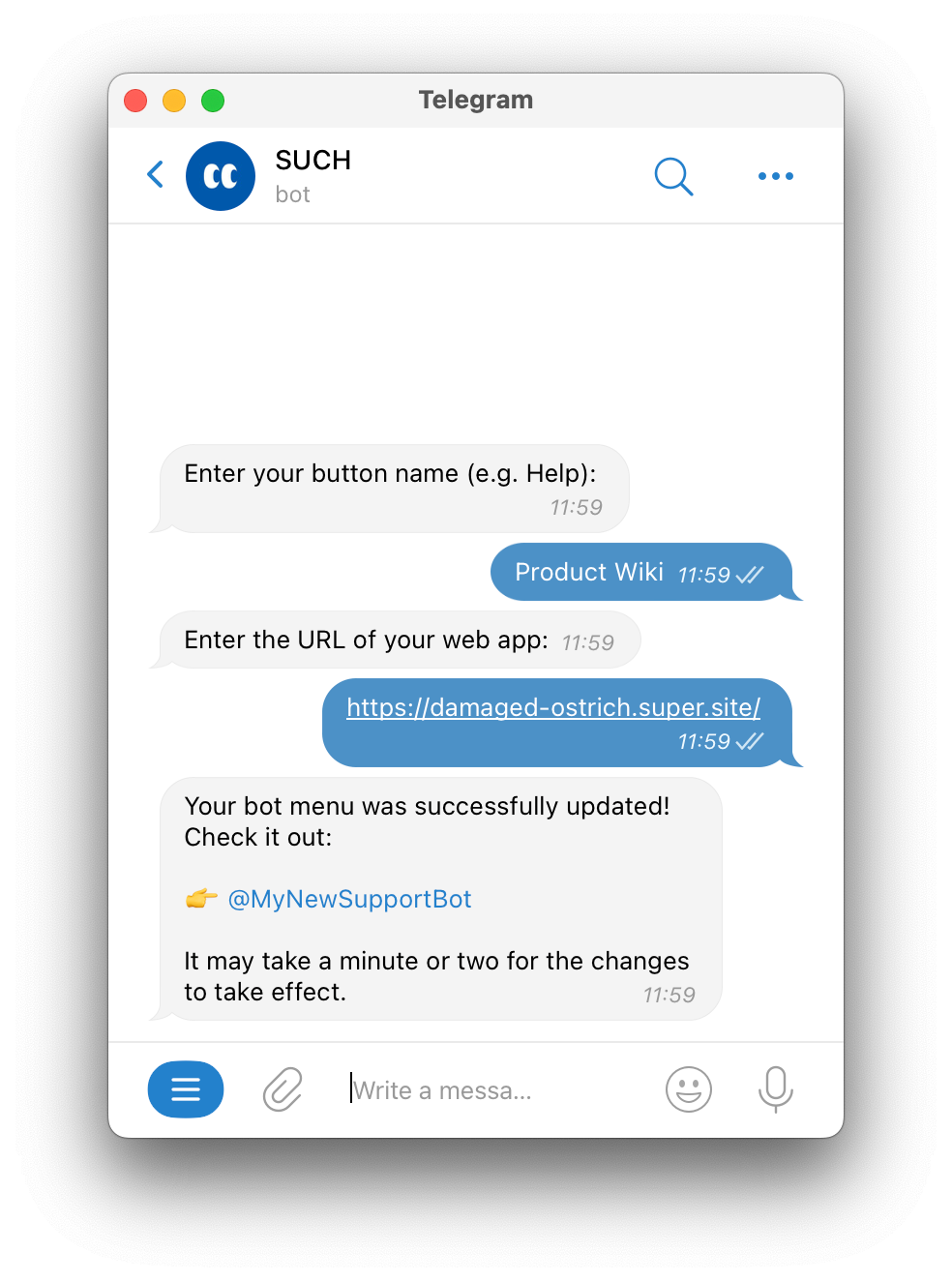
/menu_buttonto @SUCH. Pick your bot and then Web app. - Type a name for your button (like "Product Wiki").
- Send your website link (like telegra.ph, Google Form, or any other website).
Using a web app
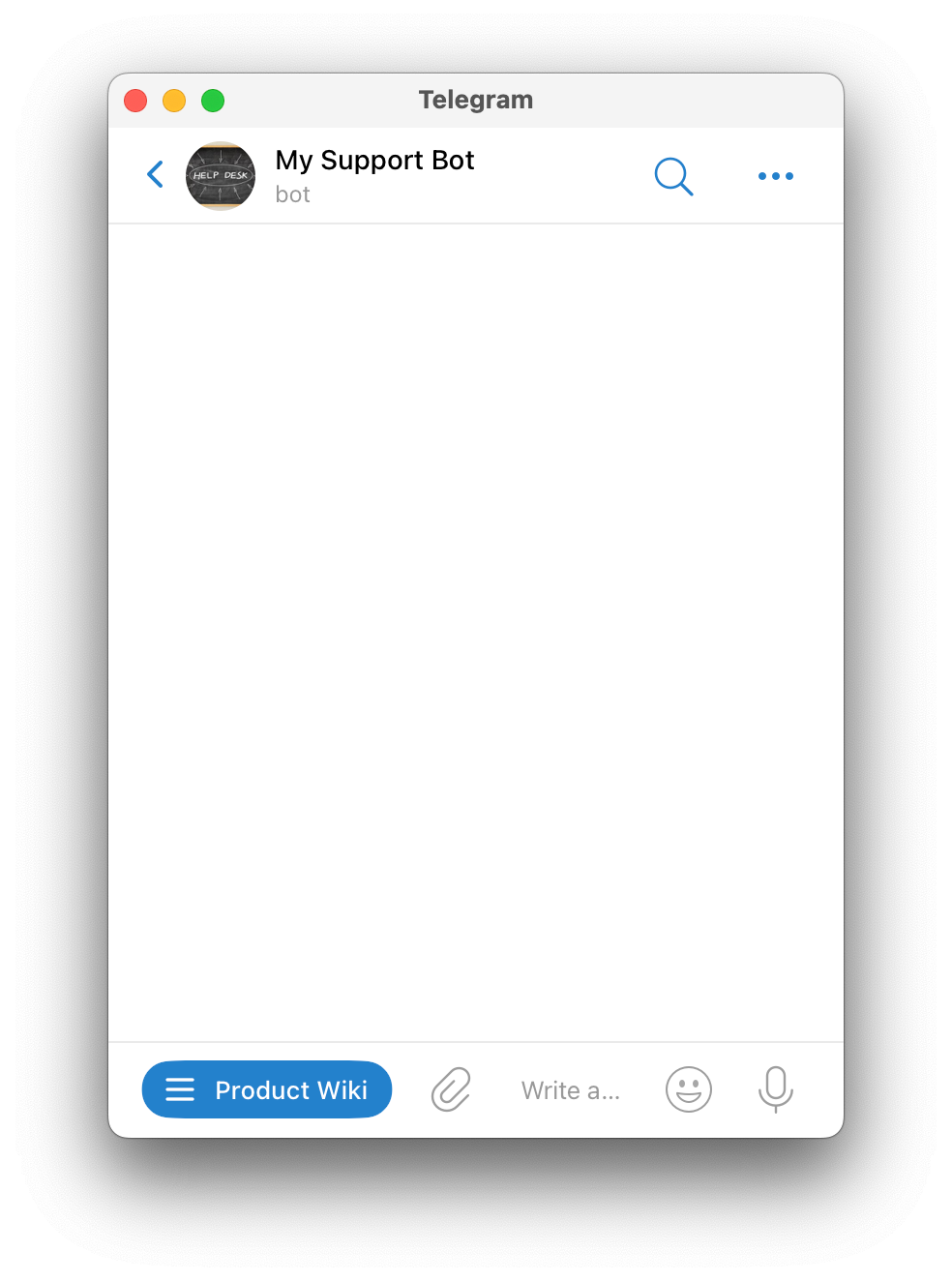
Users see your web app button when they open your bot.
Clicking or tapping the button will open the web app.
Removing a web app
Send /menu_button to @SUCH, pick your bot, and press the Commands button.
If your bot has custom commands, they will show instead of the web app button. If not, no button will show.