
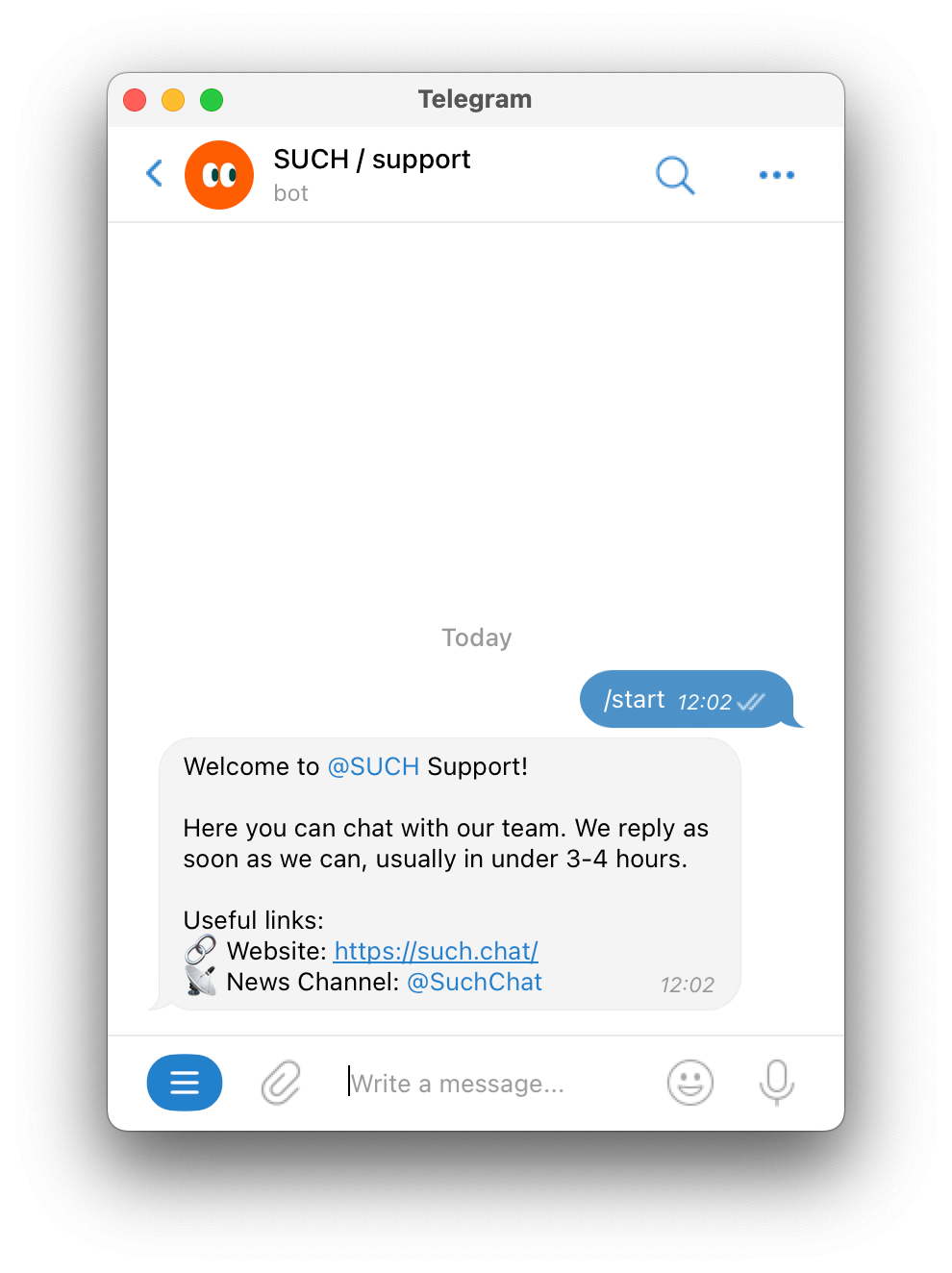
When someone launches your support bot for the first time, they'll see a welcome message:
To change this message:
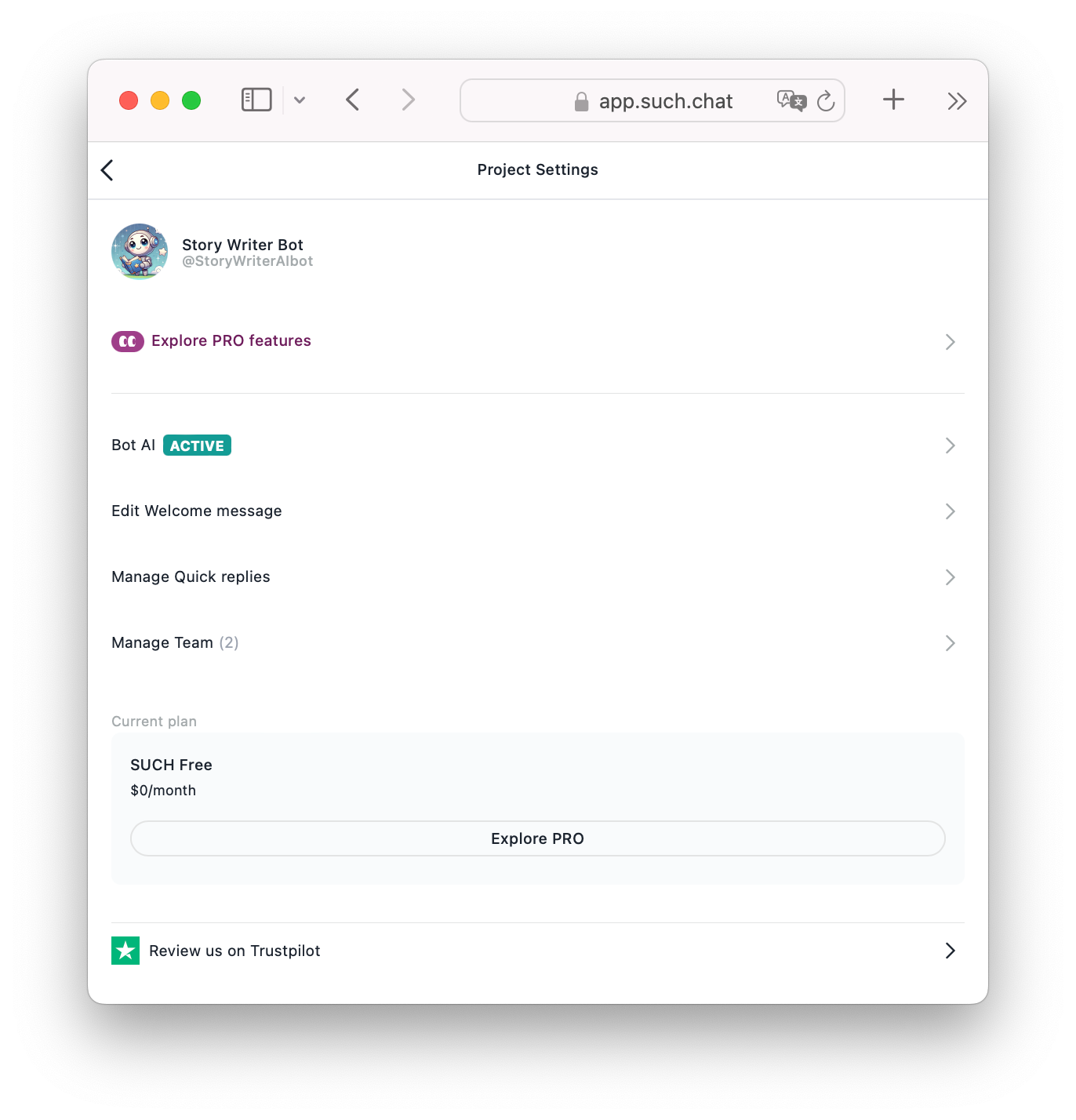
- Go to app.such.chat and open your Project Settings.
- Press "Welcome message".
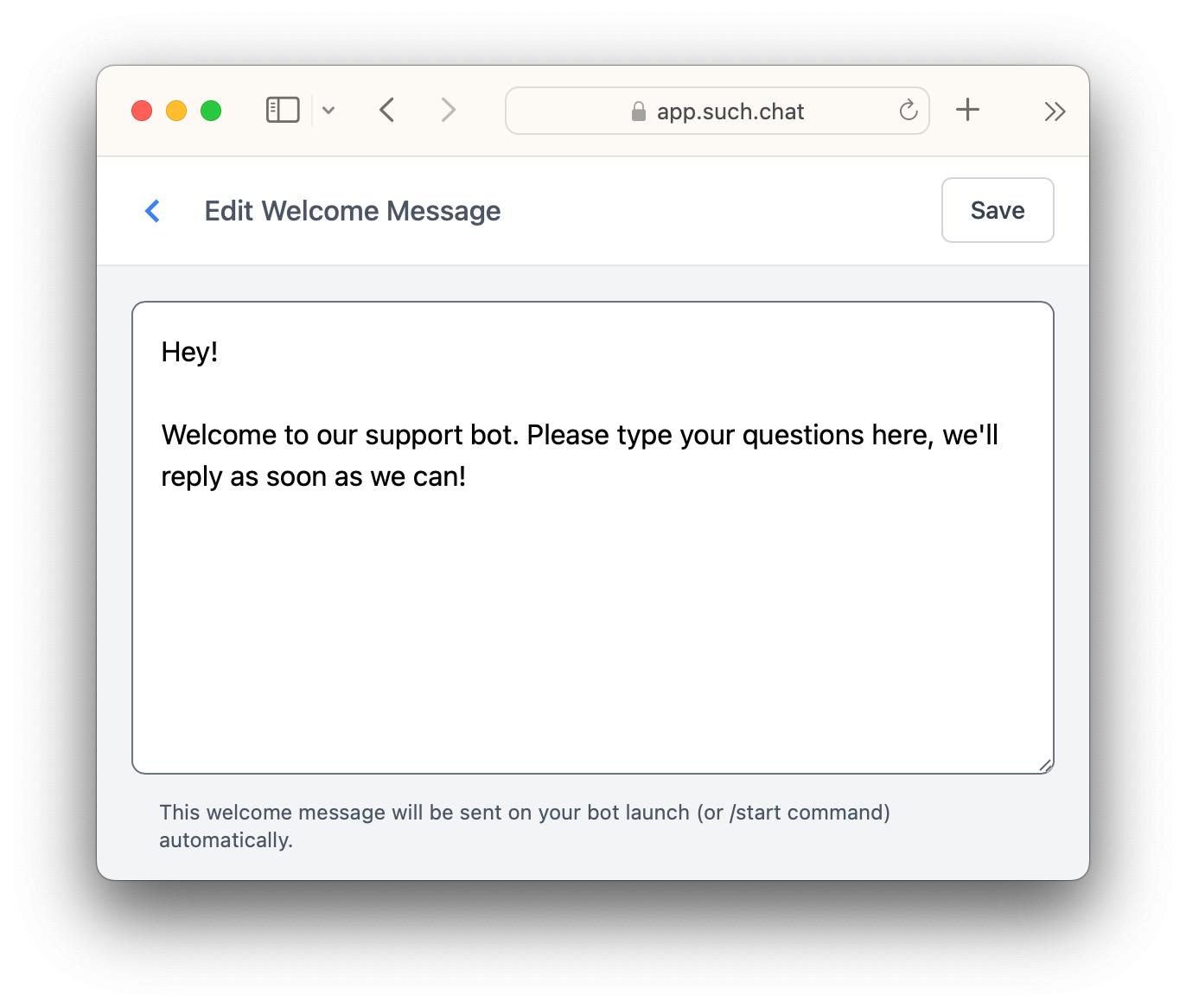
- Write your new message.
- Click Save.
Done! Your users will now see that welcome message right away when they launch your bot.