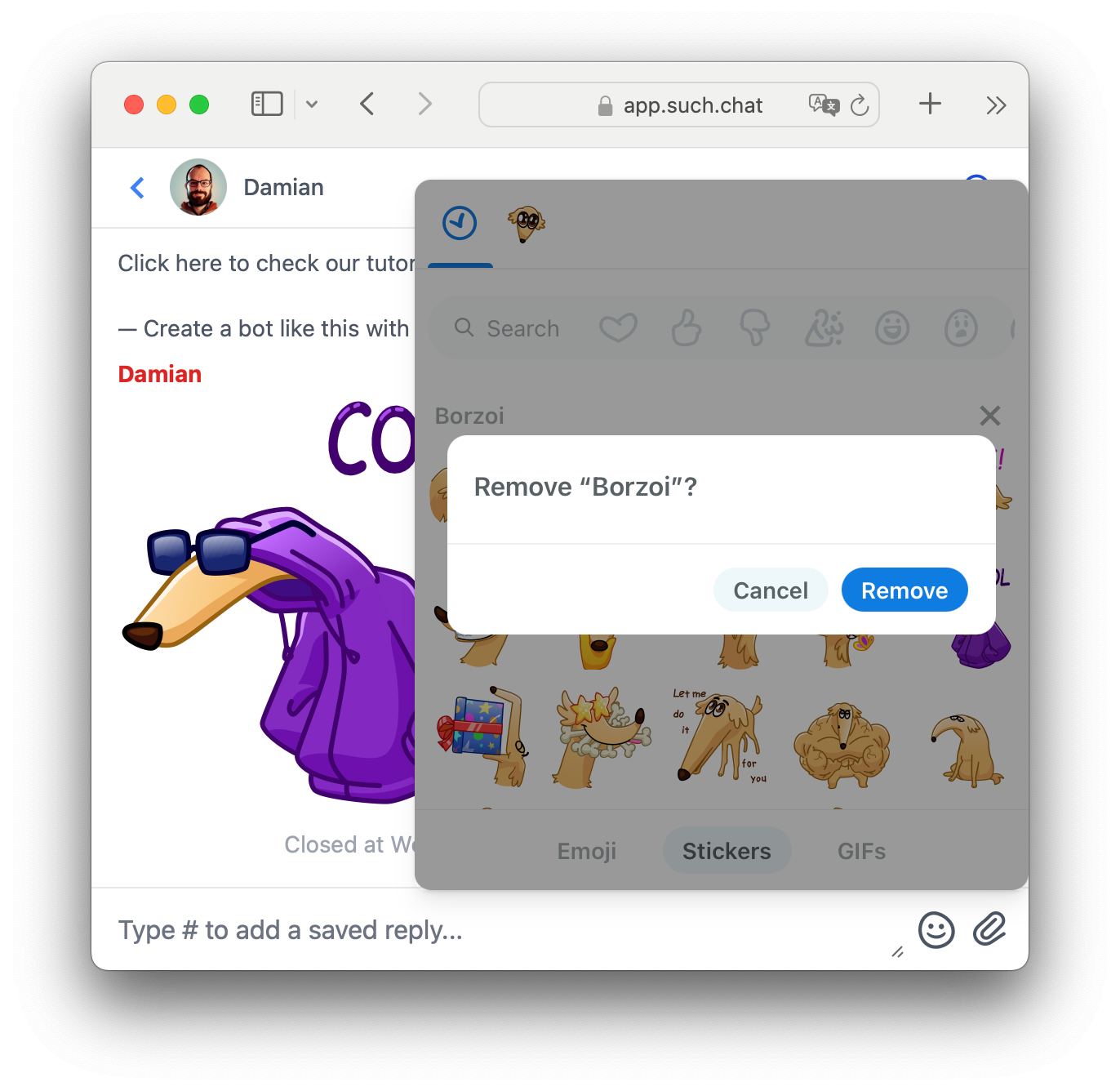
You can use Sticker Packs in your SUCH chats, in addition to emojis and GIFs.
To add a sticker pack:
- Send a sticker to your SUCH bot.
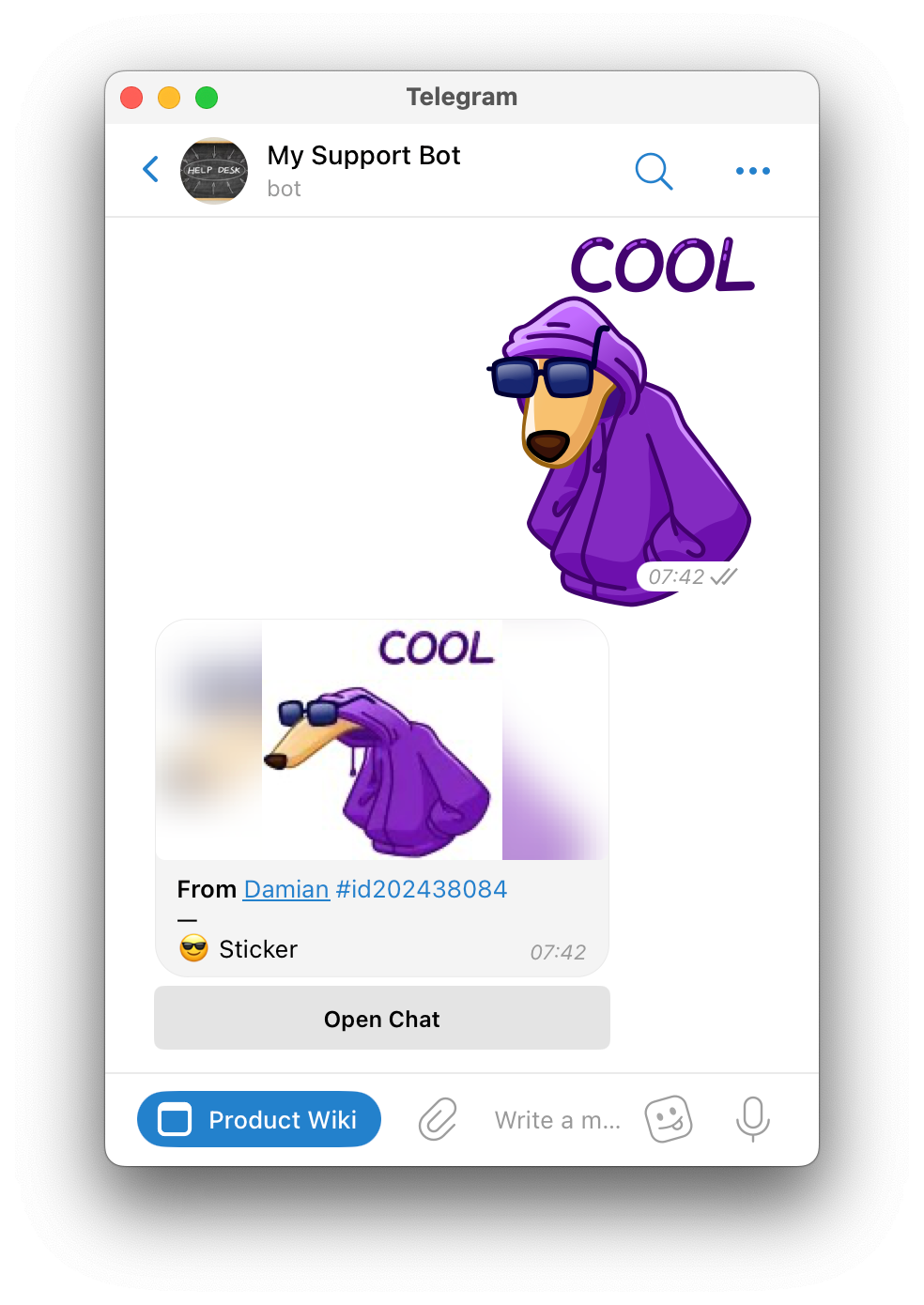
- Click or tap the Open Chat button, and click or tap the sticker in the SUCH web app.
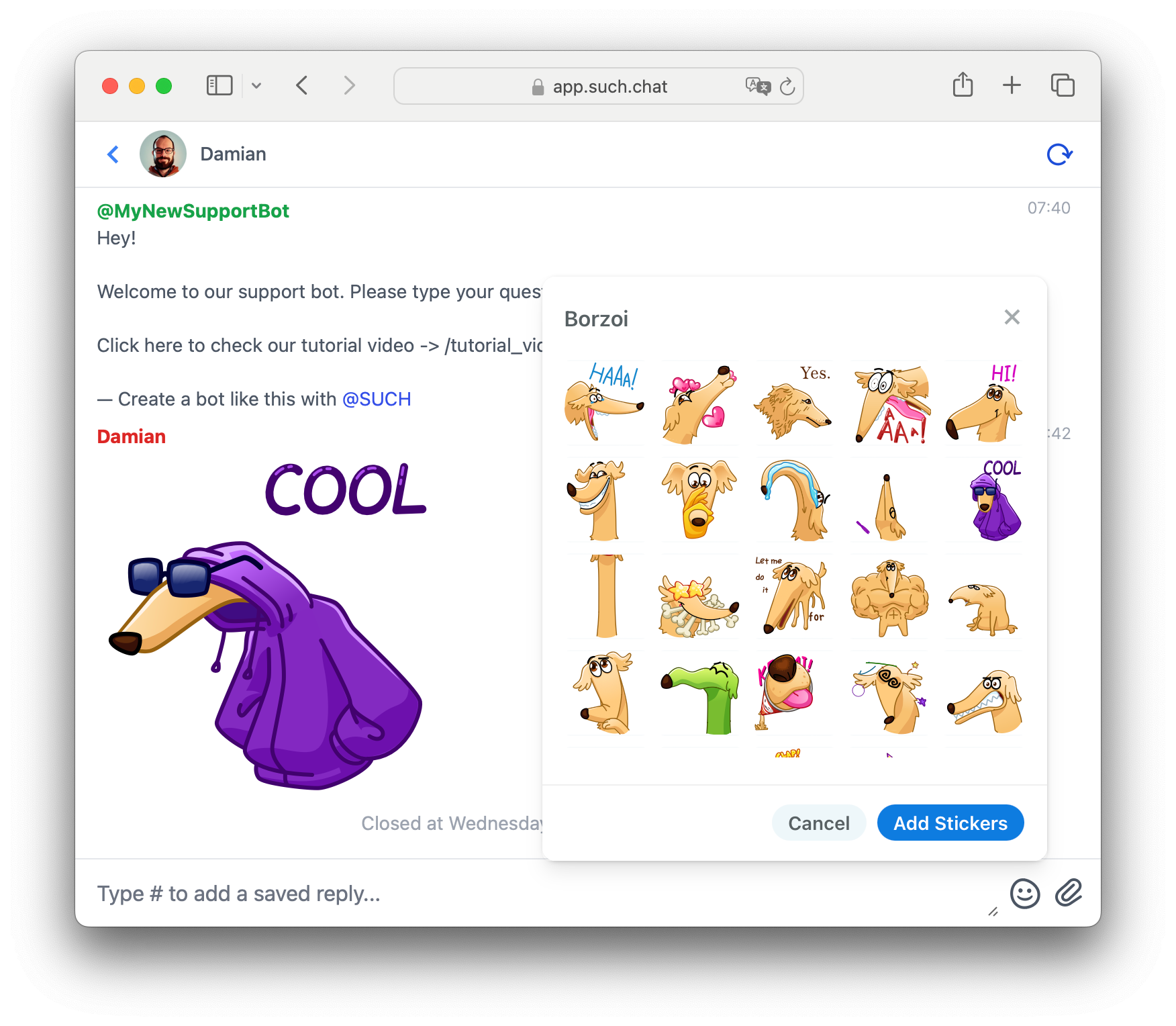
- Click Add stickers for that sticker pack to appear in your SUCH app.
Remove Sticker Packs
To remove a sticker pack that you no longer want in SUCH:
- Open app.such.chat in your browser.
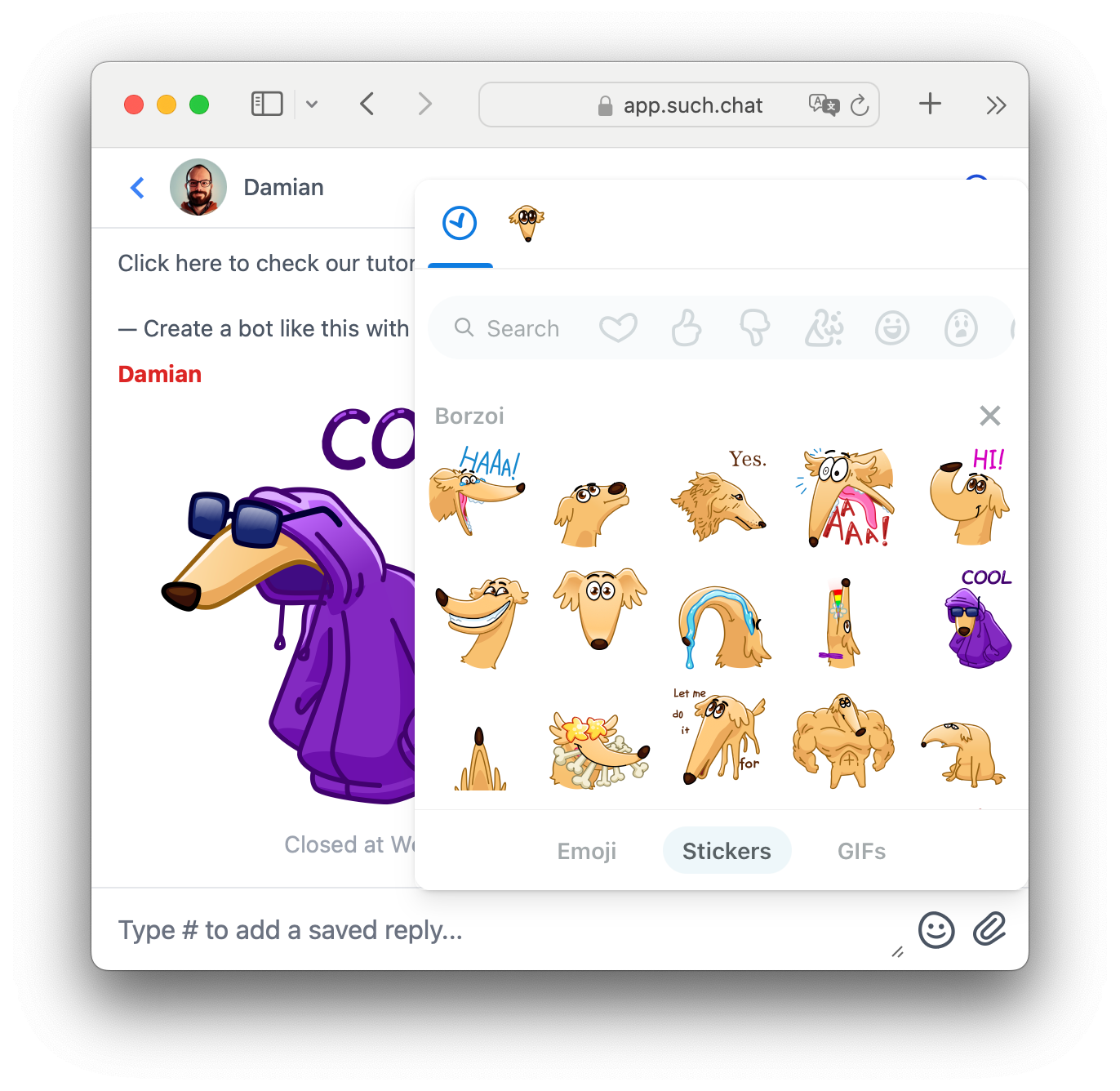
- Click the emoji/sticker/GIF button next to the reply box.
- Navigate to Stickers.
- Click the “x” next to the sticker pack you wish to delete.
- Confirm by clicking the Remove button.